The Study Mapping Management Assessment Export tool allows NDA and FITBIR studies to export mapped data into their respective data dictionary CSVs, allowing for direct submission to the NDA and FITBIR validation tools. The exported data will also include any response transformations that have been defined. This tool can only be used if the study has been denoted as a mapping study in Study Details.
To access this tool in MICIS, click Study Mapping Management from the Studies menu and then click the Assessment Export tab.
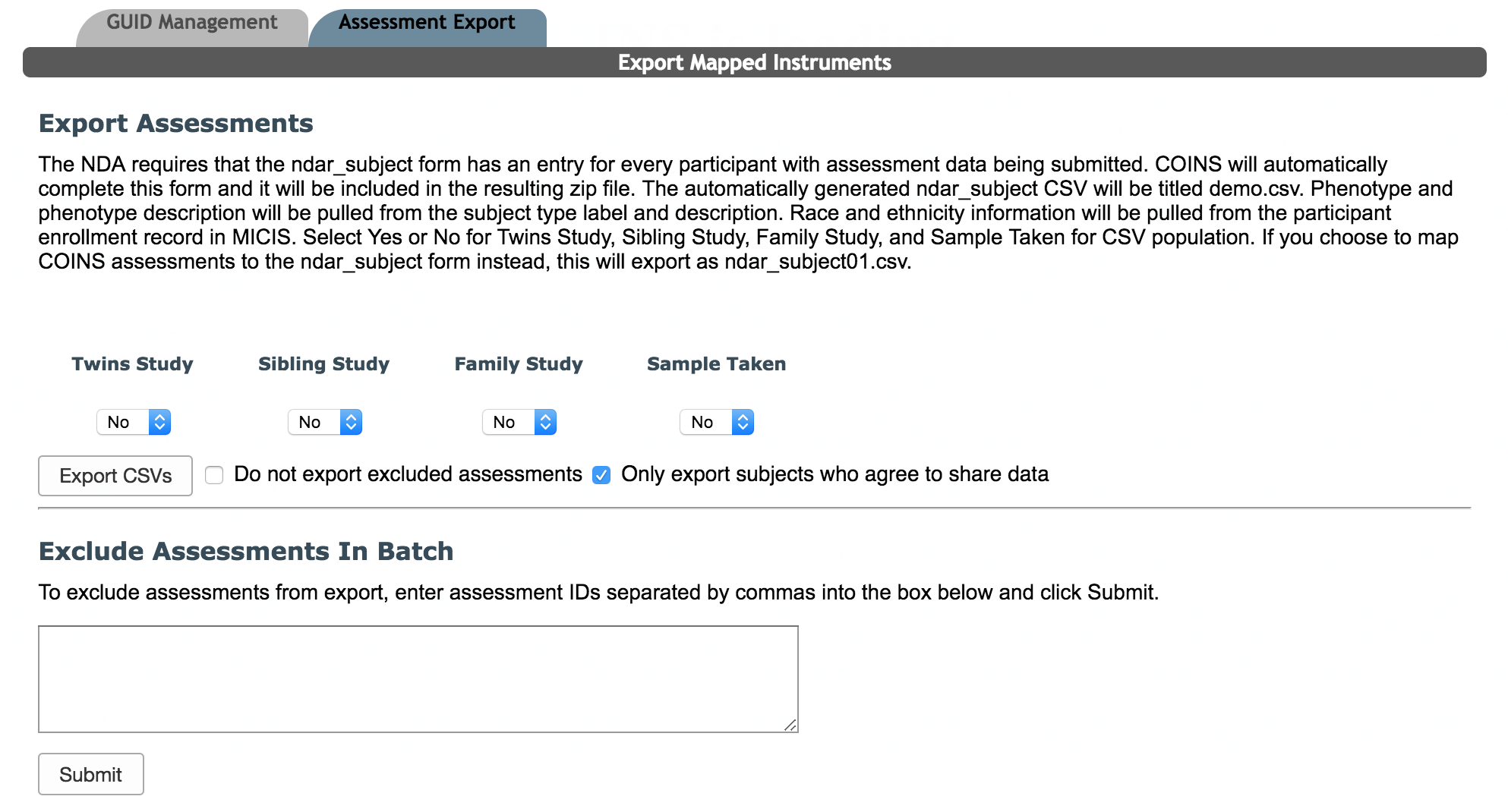
If the study is an NDA study, NDA specific information and options will be shown. Prior to exporting the assessment data, set the proper responses in the four drop down boxes. This information is required by the NDA. If the study is a FITBIR study, these options will be hidden.
When exporting NDA/FITBIR data, either all data can be exported or you can choose to export only included data by checking Do not export excluded assessments. You can also choose to only submit data for participants who have agreed to share their data by checking Only export subjects who agree to share data (this option is selected by default). Click Export CSVs to download a zip file of CSVs for NDA/FITBIR forms that have been mapped to COINS questions that are ready to be submitted. Each export will include a text document with the assessment IDs for exported assessments for referencing purposes.
COINS also allows users to exclude assessments from export in batch. This is done by pasting assessment IDs into the text field below Exclude Assessments In Batch and clicking Submit.
Managing assessments inclusion and exclusion from export can also be done through ASMT Search.

The exclusion feature can also be used to exclude any assessments that should not be submitted. These assessments will now be prevented from exporting when the Do not export excluded assessments check box is selected and inclusion/exclusion is set.
NDA ndar_subject CSV
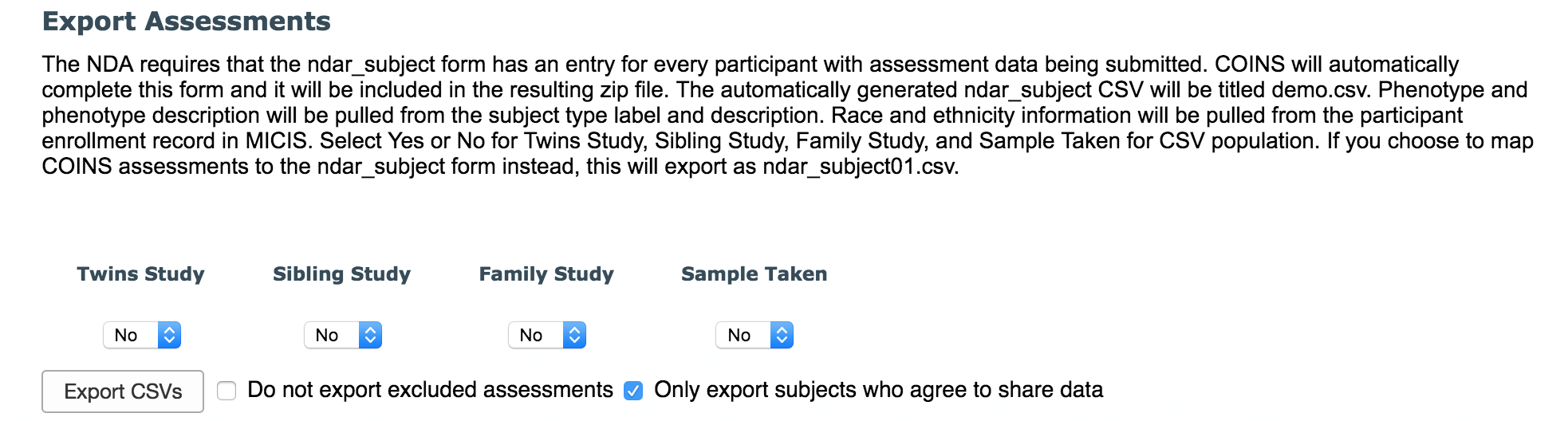
NDA submissions require that the ndar_subject form is completed for each participant in the submission. COINS will automatically export this form with all participants included in the CSVs. Race and ethnicity data entered into MICIS at the time of participant enrollment will be populated in the columns ethnic_group and race. Subject type and subject type description will also be populated in the columns phenotype and phenotype_description. Four columns, twins_study, sibling_study, family_study, sample_taken, need to be set to the correct values prior to export. A participant's race, ethnicity, and subject type can be updated from the Study Enrollment tab.
Comments