Sharing initiative databases have a large number of data dictionaries containing requirements for submitted data. However, many investigators have existing instruments with data in COINS that do not match the data dictionaries. To avoid needing to create new, initiative specific instruments, COINS provides the ability to map existing instruments and transform existing responses to match the sharing initiative's data dictionaries. When the data is exported from the COINS mapping management tools, it will be ready for direct submission to NDA or FITBIR. However, data will remain in its original form when exported from Query Builder or Assessment Manager. This allows investigators to upload data to the sharing initiative's database without any manual mapping or edits, which are prone to errors.
The mapping tool is only available to studies that are indicated as mapping studies in their study details. To access this tool and begin mapping data, follow the steps below.
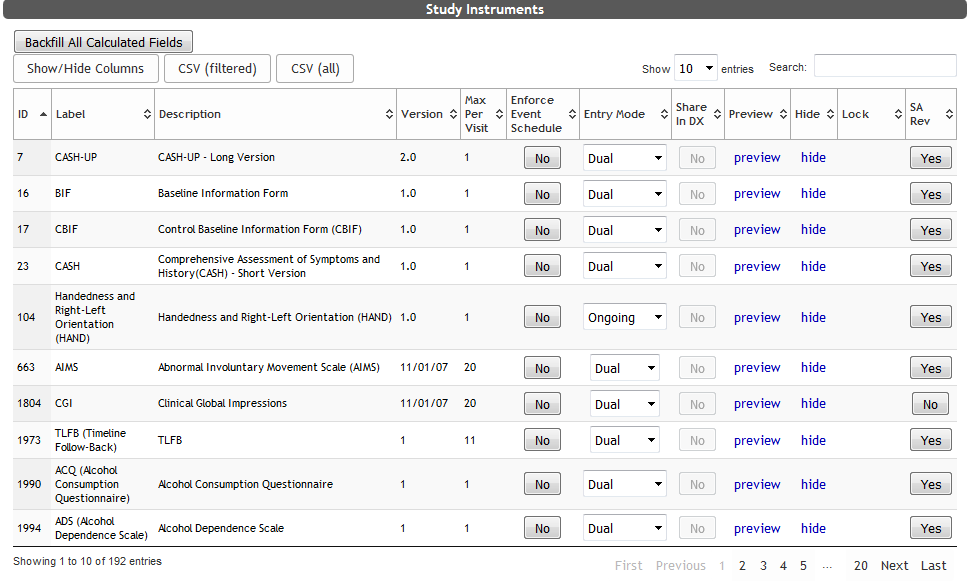
Select your instrument from the List Instruments table in ASMT by clicking Edit.
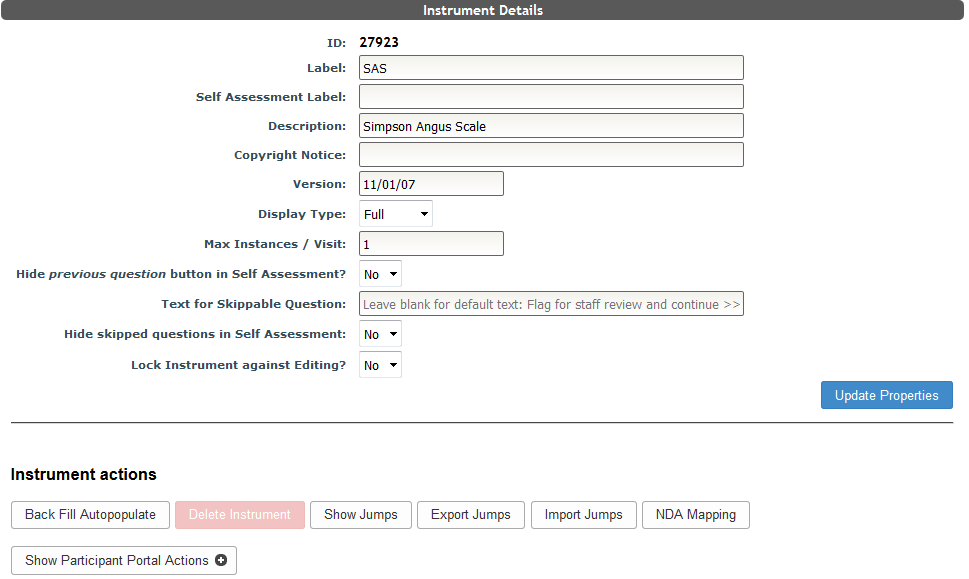
Click NDA Mapping or FITBIR Mapping from the instrument details options.
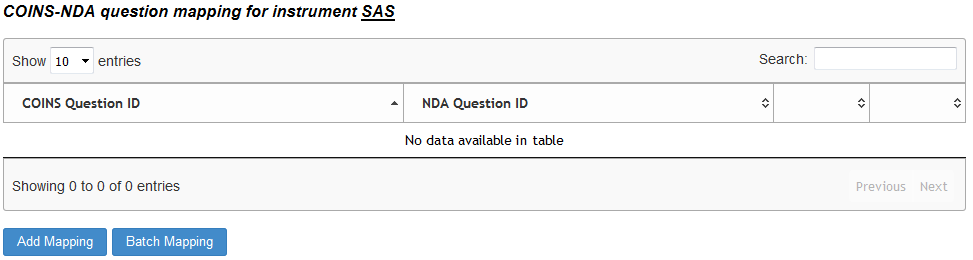
Any existing question maps will be displayed here and can be edited or removed, otherwise, no maps will be shown. From the COINS-NDA/FITBIR Question Mapping page, you can decide to map instruments on an individual question level or the entire instrument as a batch. Response transformations are only available at the individual question mapping level.
If there are existing mappings, they will be listed in this table.
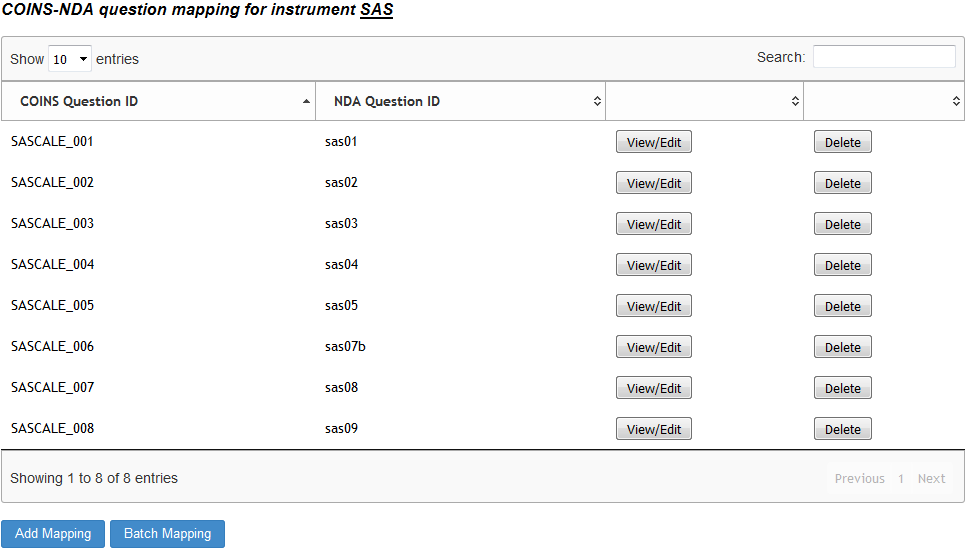
To remove a current mapping, click Delete. Click View/Edit to see or change response transformations or to edit the mapping.
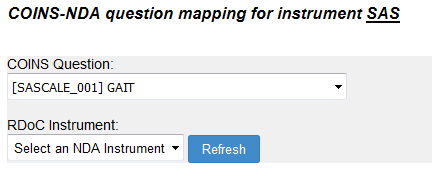
NDA data dictionary retrieval relies on the NDA API. Sometimes the API fails to provide data in the expected amount of time. If this occurs, you'll see a button for refreshing. Click Refresh to make the request again.
FITBIR does not have an API to retrieve data dictionary information. Instead, users will navigate to the FITBIR data dictionary directly and download the form element's CSV. Click here to learn how to add FITBIR forms to ASMT for mapping.
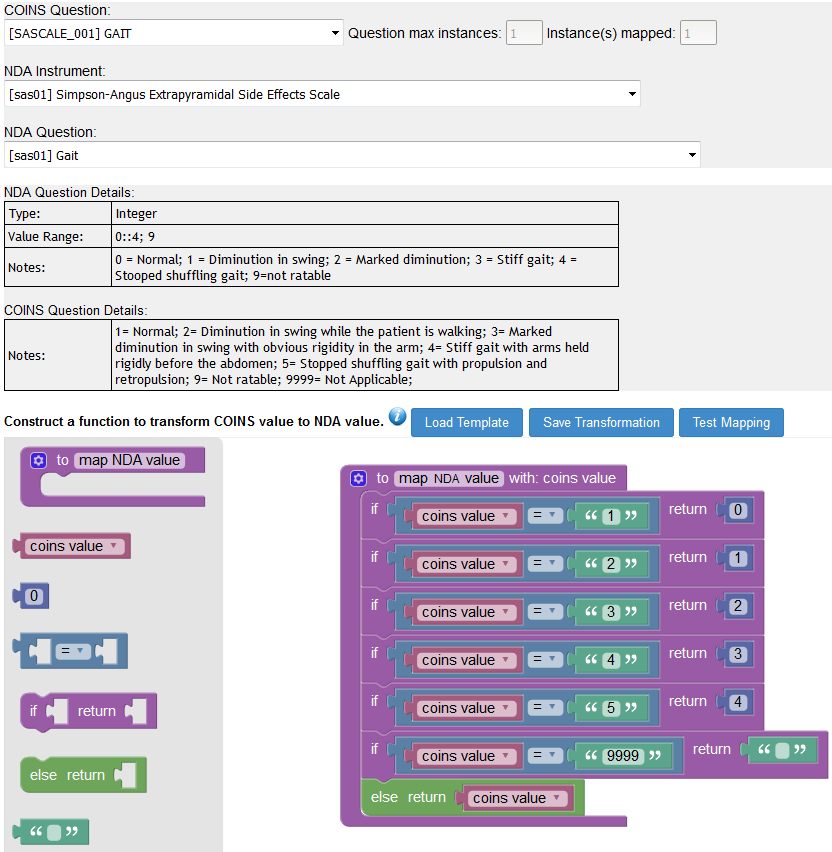
Once the mapping and response function transformer have loaded, you can edit them both. For more on response transformations, click here.
Comments