To view Study Details, go to List Studies in the Studies menu, locate your study and click the study name. Here you will be able to see the study's details and buttons to Edit Study Details, Edit Subject Types, Edit Study Visits, view Subject Trackers, View Subjects and List Access as well as see detailed study information. See Edit Study Details for more information on each detail item.
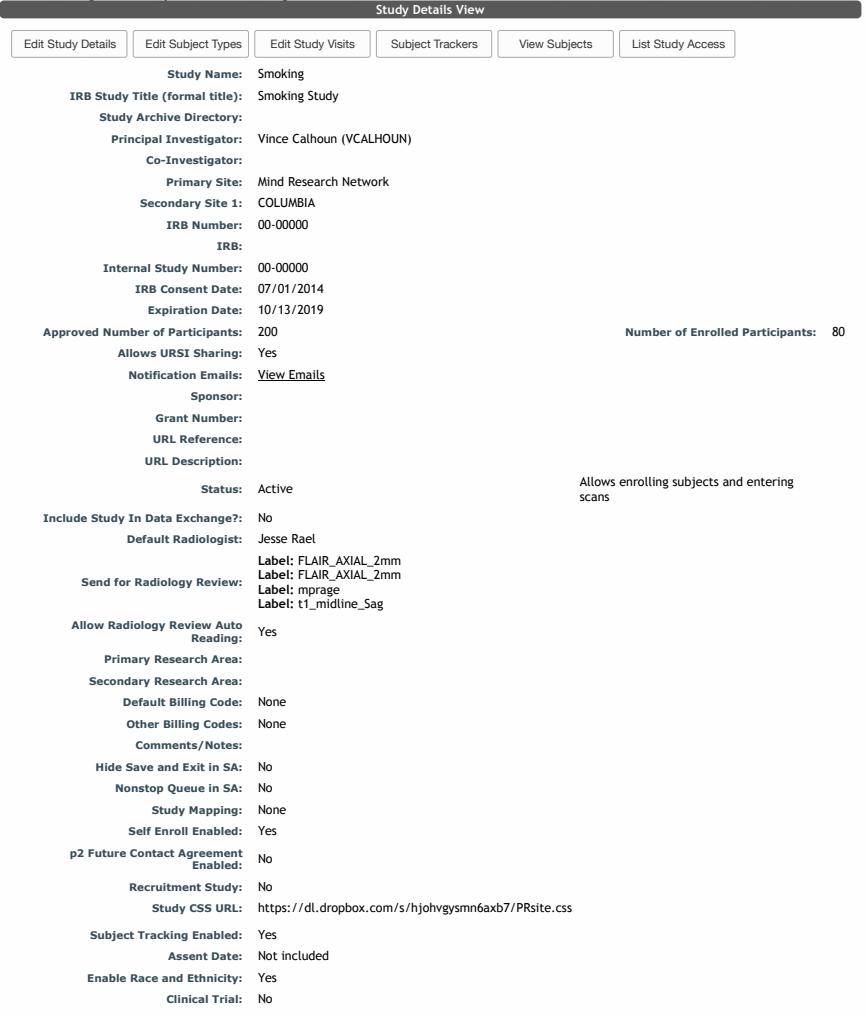
Hover over View Emails to see the email list 
If the study has decided to be part of your site's recruitment list the details will be displayed. When enabled, this study and information provided in this section will be displayed in the p2 Homepage recruitment block. 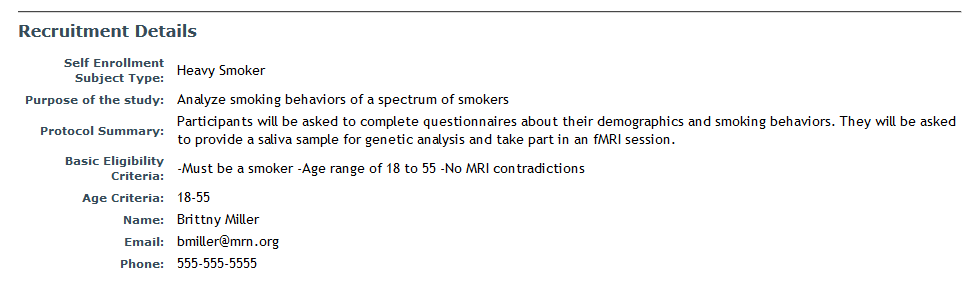
Comments