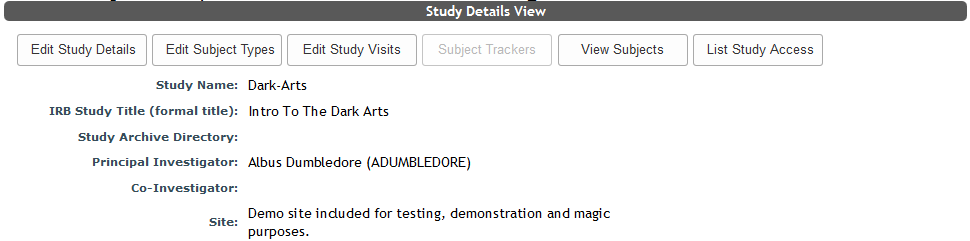
To access a list of people who have access to a study, from the study page, click List Access at the top of the View Study Details page.
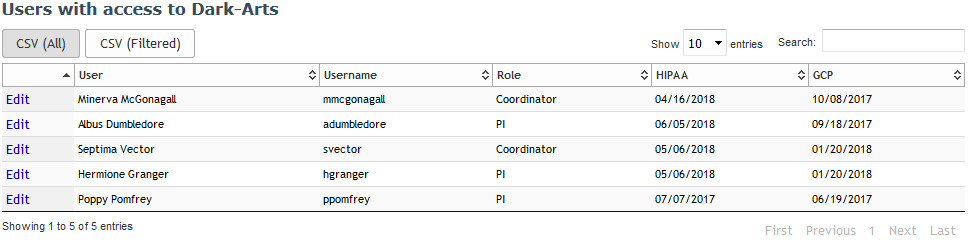
Here you can view all of the users that have access to this study. When you click this button you will see a list of the Users, User Names and their Roles (e.g., dataentry, coordinator, PI, etc) for the study. Any attribute values will also be listed after Role. Please submit a ticket to have attributes added to your site.
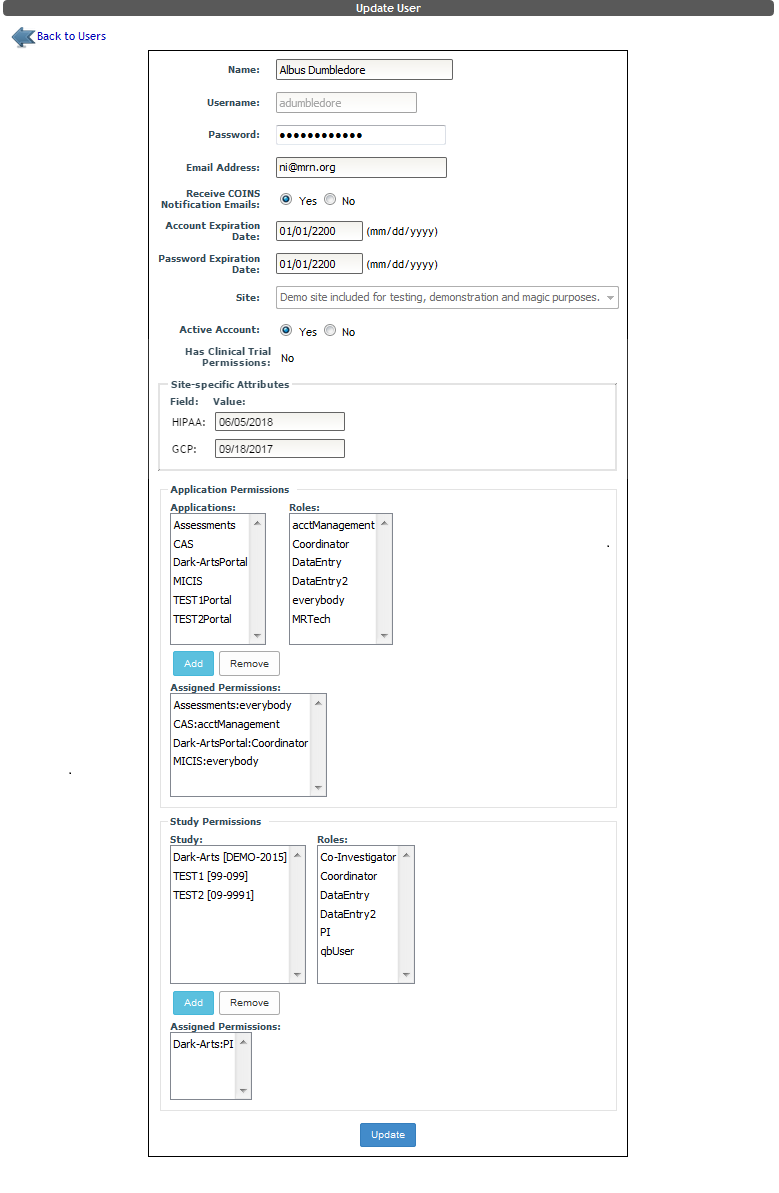
If you have the ability to edit users, click Edit to see the Update User page.
Comments