Once you have navigated to the mapping tool you can begin mapping your questions and setting response transformations.
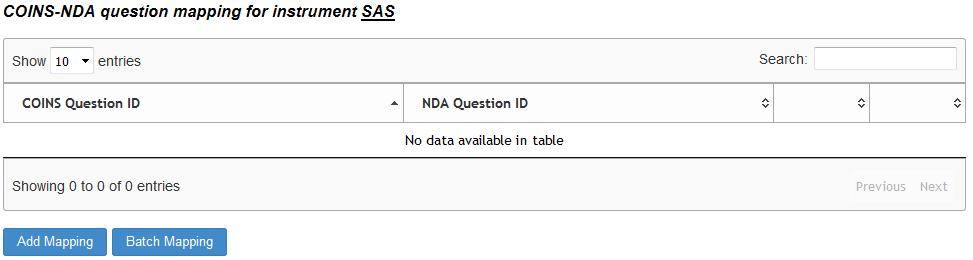
Single Question Mapping
To map questions individually or to transform responses, click Add Mapping. Now select the COINS question that you would like to map and the sharing initiative's instrument you want to map it to from the drop down. For batch mapping, click here.

Once you have indicated the initiative's instrument you want to map to, you can then choose which question from that instrument it is associated with. Select the NDA/FITBIR question to map to from the drop down.
NDA data dictionary retrieval relies on the NDA API. Sometimes the API fails to provide data in the expected amount of time. If this occurs, you'll see a button for refreshing. Click Refresh to make the request again.
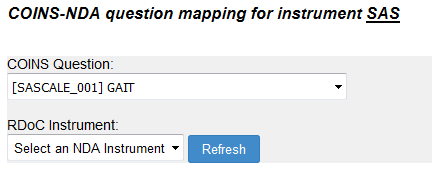
FITBIR does not have an API to retrieve data dictionary information. Instead, users will navigate to the FITBIR data dictionary directly and download the form element's CSV. Click here to learn how to add FITBIR forms to ASMT for mapping.
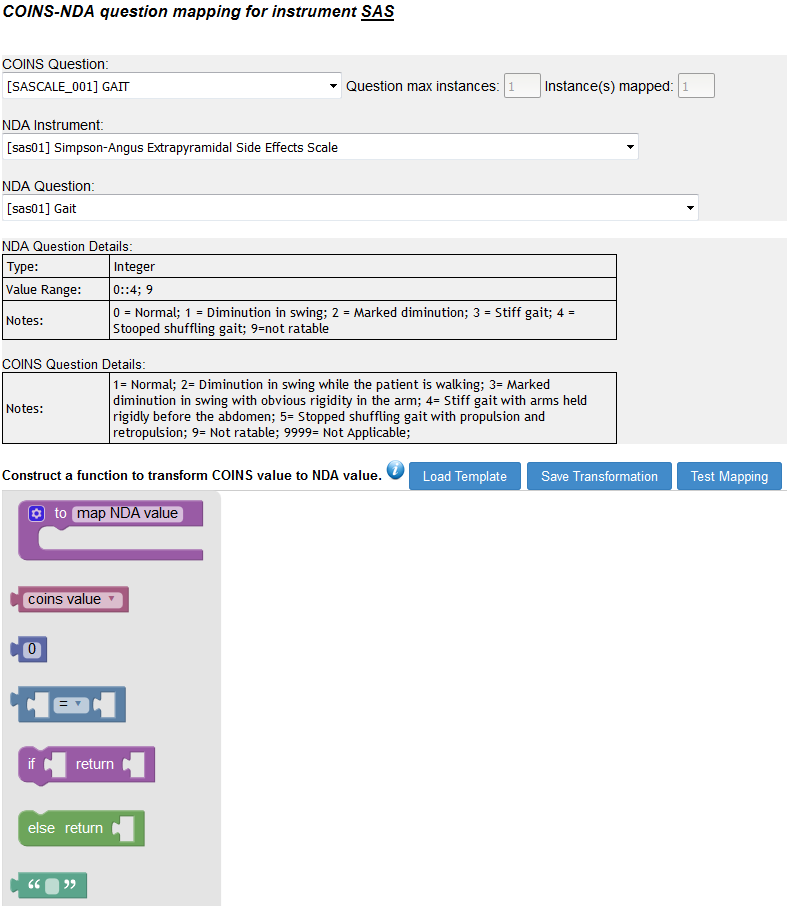
For questions that have text response or the responses already match across the COINS question and the initiative's question you will only need to click Save Transformation.
If a COINS question has multiple instances, you will be able to map it to NDA/FITBIR questions as many times as it has instances. A mapping count will be provided for reference.
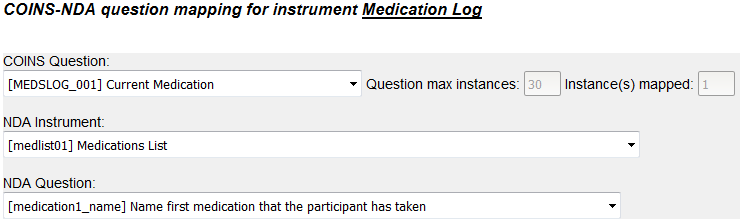
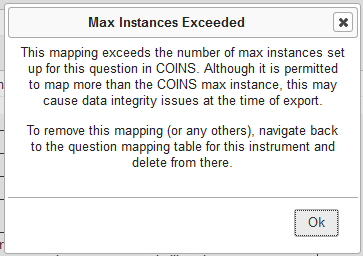
COINS will not prevent you from mapping more instances than exist for a question, but will alert you if you exceed the amount.
Response Transformation
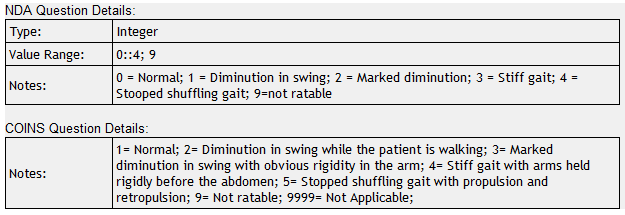
Once the above steps have been completed, the transformation work space will be available. Below the question drop downs you will see the details for the questions selected. The details include the type of question, the value range and in the notes section will be the the response values and their corresponding response labels.
To map responses you can drag and drop the transformation function pieces on the left into the work space. To speed the transformation process and to aid in function building, a pre-built function or template can be loaded by clicking Load Transformation.
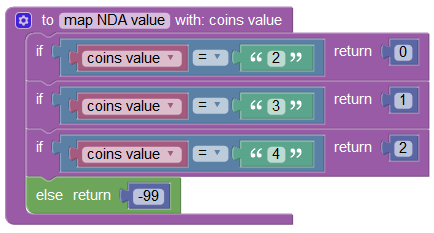
This pre-built transformation makes it easy to map each COINS response value to each NDA/FITBIR response value. In the "if" block you can choose the COINS value and in the "return" block you can choose the corresponding NDA/FITBIR value. You can do this for each value then include an "else" block for values that do not match the canned responses and choose a "return" value for those types of responses (e.g., "Not Applicable", "Not Answered", etc.). Add and remove function pieces until your question transformations are complete. You can also transform from and to text responses using the green "" block.
For example, we are mapping the Gait question from the Simpson Angus Scale. You will see that the COINS and NDA response values are slightly different for this question. We have specified the COINS response values in the "if" block and the NDA values in the "return" block.

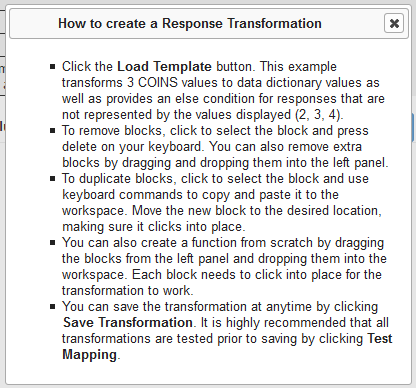
Click the i (info) icon to see help information on building functions.
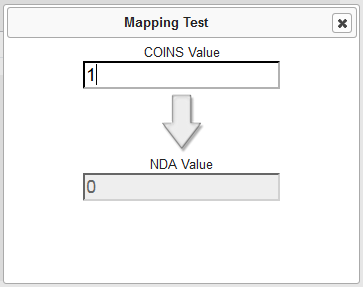
Click Test Mapping, to test which values will be returned when a COINS value is entered. This simulates which values will be exported from the Study Mapping Management Assessment Export tool, eliminating the need for to study staff to write scripts or change data by hand.
When you have finished setting up the mapping, click Save Transformation.
Comments