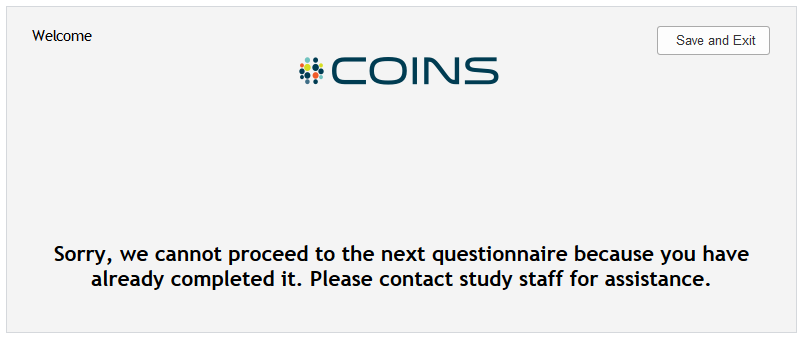
All instruments have a maximum number of times it can be entered per visit, rater, source type and site. If this maximum amount is exceeded, you will be warned and will not be able to proceed with Data Entry or Self Assessment administration for this instrument. This maximum amount of times is set by the user at the time the instrument is created. The maximum amount of administration times can be edited at any time by updating the instrument's properties, without impacting existing assessments. See the max instance error warnings below.
Self Assessment max instance exceeded error message:
Data Entry max instance exceeded error message:

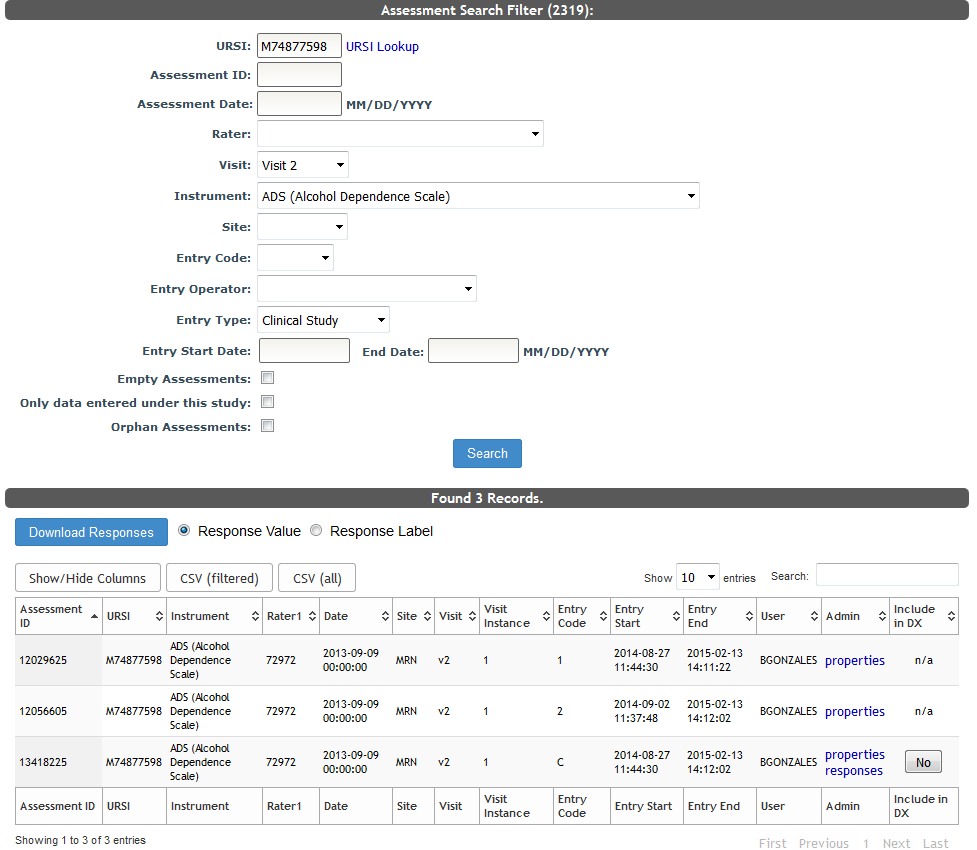
Click the here hyperlink to open ASMT Search results for the existing assessments.
Regardless of max instances, any assessment entered with the same URSI, instrument, visit, rater, source type, site and date, is considered a duplicate and is not allowed. The following data entry error is given if this occurs:

Comments