Click Share Instrument in the Instruments Menu. Select the study you want to share from.

Select the instrument you want to share and the study you want to share it to and click Share.
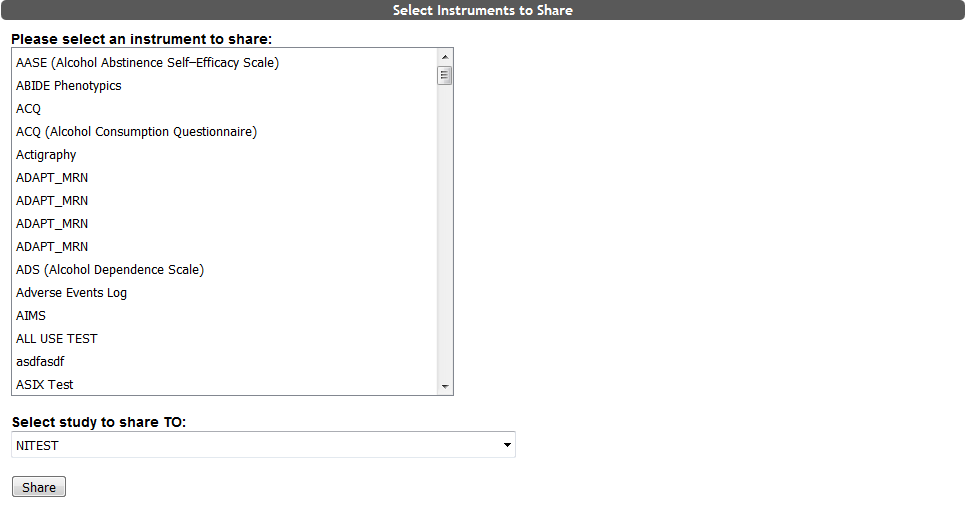
Now the instrument will be shared.
Shared instruments can only be edited by the owner of the instrument. If you use a shared instrument and the owner edits the instrument, the change will affect all users of the instrument. To find out which study owns an instrument that is shared with your study, click Preview from the List Instruments page. This will take you to the instrument details page which will note the owner of the study at the bottom in red.
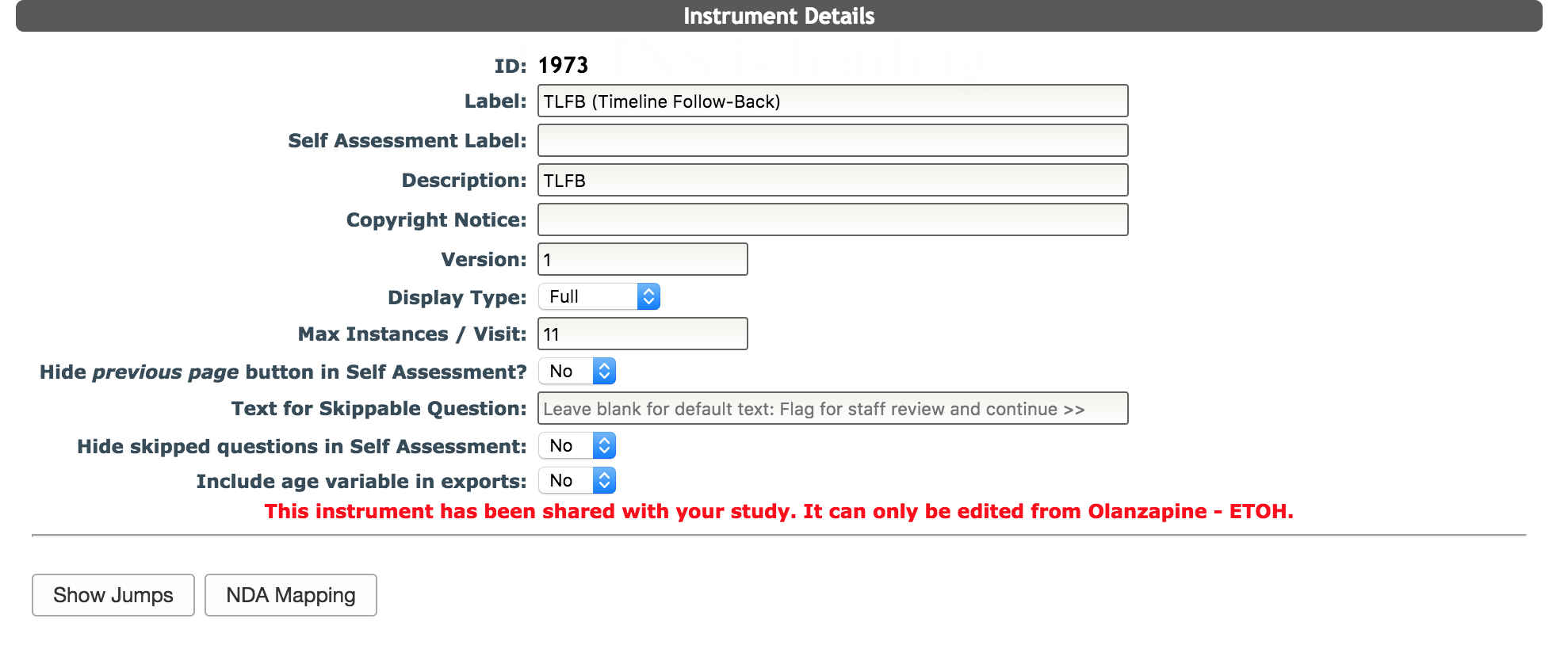
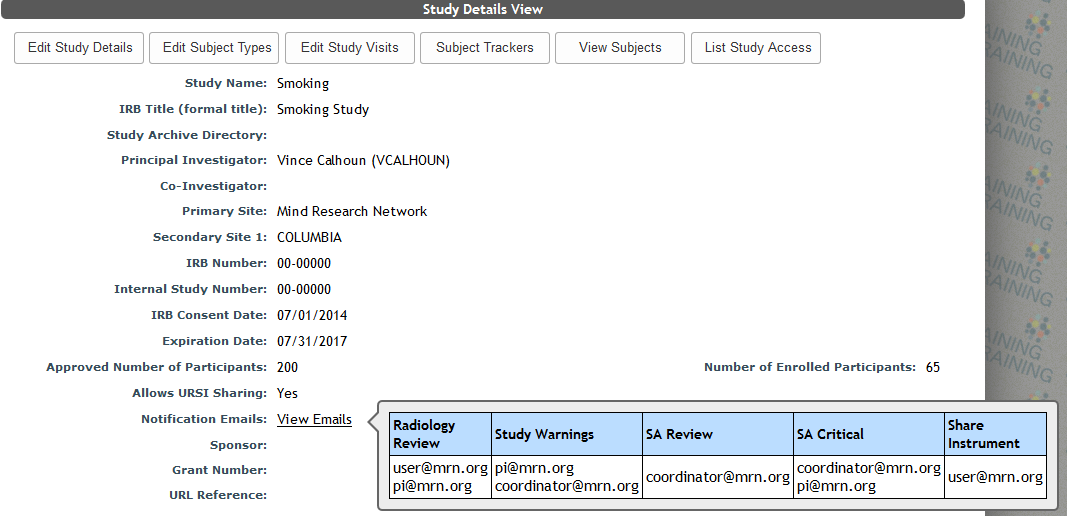
Additionally, the user listed under shared instrument notifications for the study will be notified via email about the change. The Show Jumps button is still available to the shared study. If the study is a mapping study, mapping will still be available in case the owning study is not a mapping study and cannot map the instrument. If mapping is on an instrument level, not a study level, so all mapping is automatically applied to all studies.
If you do not want to share instruments, new instruments can always be created.
Comments