COINS offers MRI radiology support from the time a scan is acquired to the time the resulting radiologist's review is read by a participant. These tools must be enable for the site to access them.
DICOM Receiver
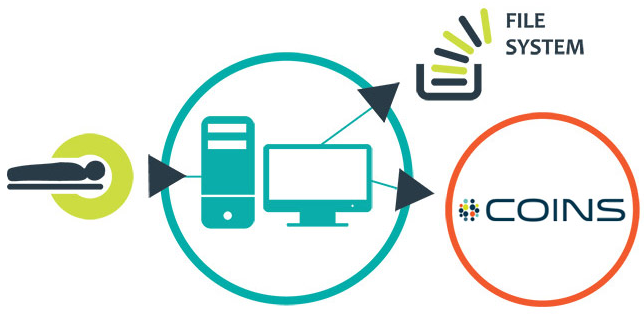
The COINS DICOM receiver monitors when scans are completed on an imaging console. The completed scans are collected by the DICOM receiver, which is the gatekeeper for all scan data that is transferred. The DICOM receiver does many validity checks on the scan to ensure the participant is enrolled in the indicated study, the URSI is valid, and the study is allowed to collect data per their IRB status.
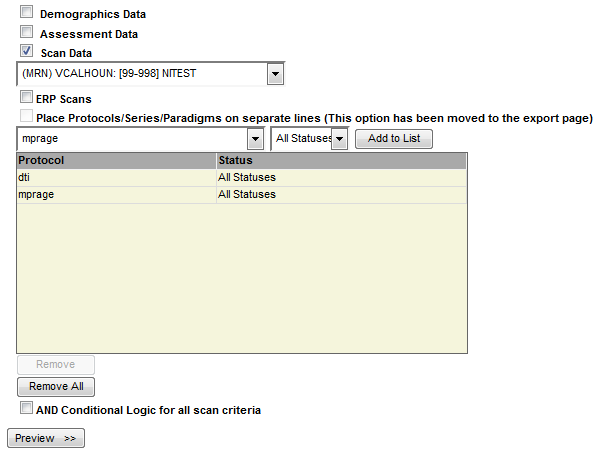
Scans that fail validation will be transferred to a designated location for triage. Scans that pass validation will have the raw DICOM data moved to the appropriate file system storage location and the scan metadata will be added to COINS. The raw DICOM data and the scan metadata will then be available for query in COINS through List Scans and Query Builder.
Radiologist's MRI Review
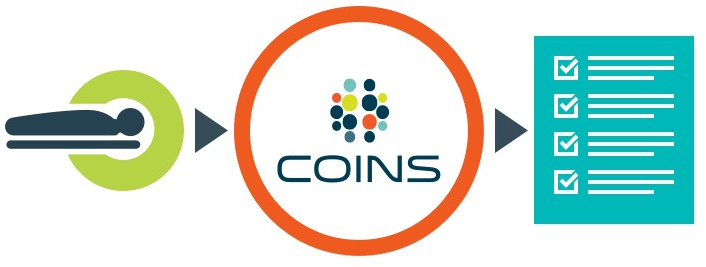
MRIs collected by the DICOM receiver will be assessed for the need of review by a radiologist. The scan will be queued to a worklist when a review is required. The radiologist will then be able to view the raw DICOM images and enter their findings in COINS. If a scan urgently needs to be read by a radiologist, users with MR Tech and Site Admin access can mark the scans as a priority radiology read. This will move the scan to the top of the radiologists review queue.
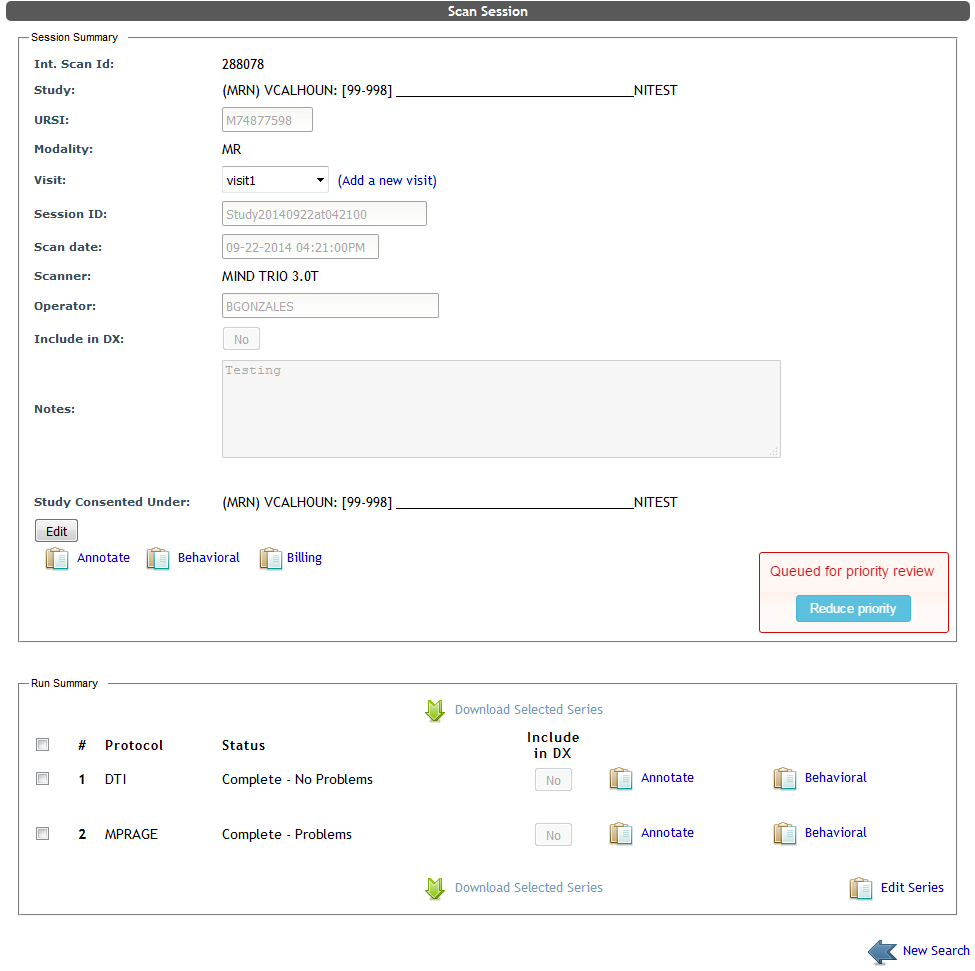
Some scans may be filtered out from review depending on the series and time frame it was collected. For example, a scan session that does not include any anatomical data, or a participant scanned under the same study within the last six months would not be queued for review. Instead, they would have an automatically generated message saying the reason why the scan was not read.
Radiology Review Letters
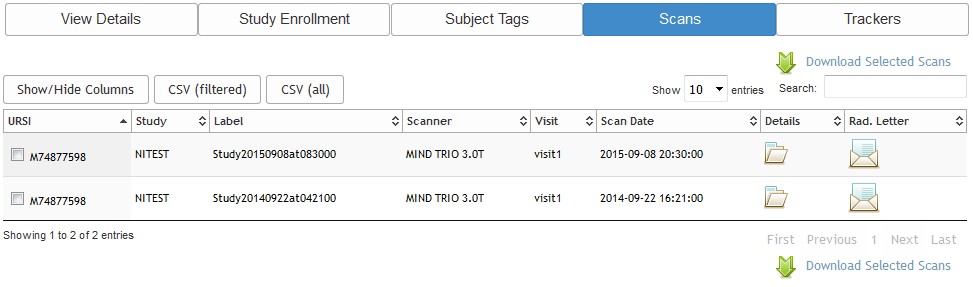
The radiology review letters are available to staff and the participant once a scan is reviewed and signed by the radiologist. Users on the study's Rad Review notification list will be notified via email that a scan has been read. Study staff can access the letter from List Scans or from the participant's Scan tab. Site admins have the ability to export letters and mail details in bulk through other radiology tools.
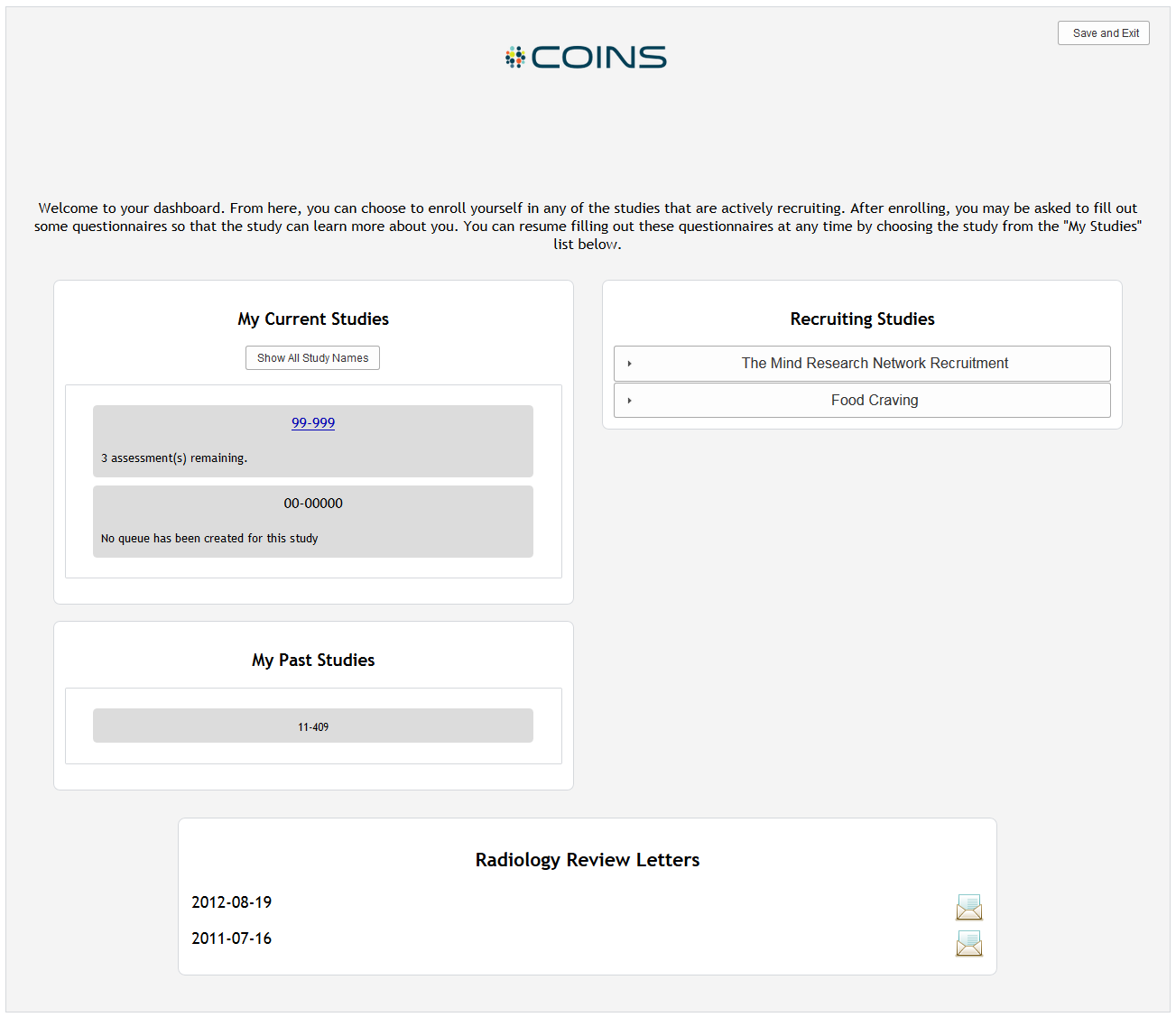
In addition to staff notifications, sites have the ability to enable custom notification emails to participants as well. These emails are sent from the designated site admin email address, allowing participants to respond to the emails and delivery failure notifications for invalid addresses to be received. The site admin will also be notified in the event a participant does not have an email address tied to their account. Participants will have immediate access to their radiology review results through the p2 Homepage.
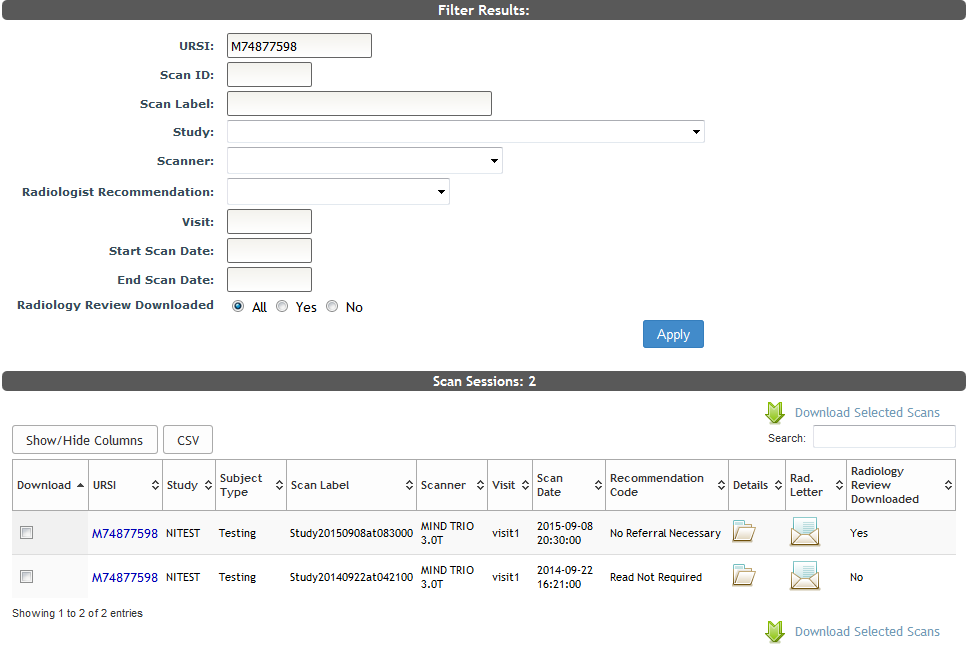
Study staff can see if a review has been downloaded by a participant from the List Scans table.
Comments