Once you have looked up an assessment from Search Assessments, you can click Responses from the search table to view or edit the assessment's responses. Responses are only available if a record is complete or if the search is an orphan search.
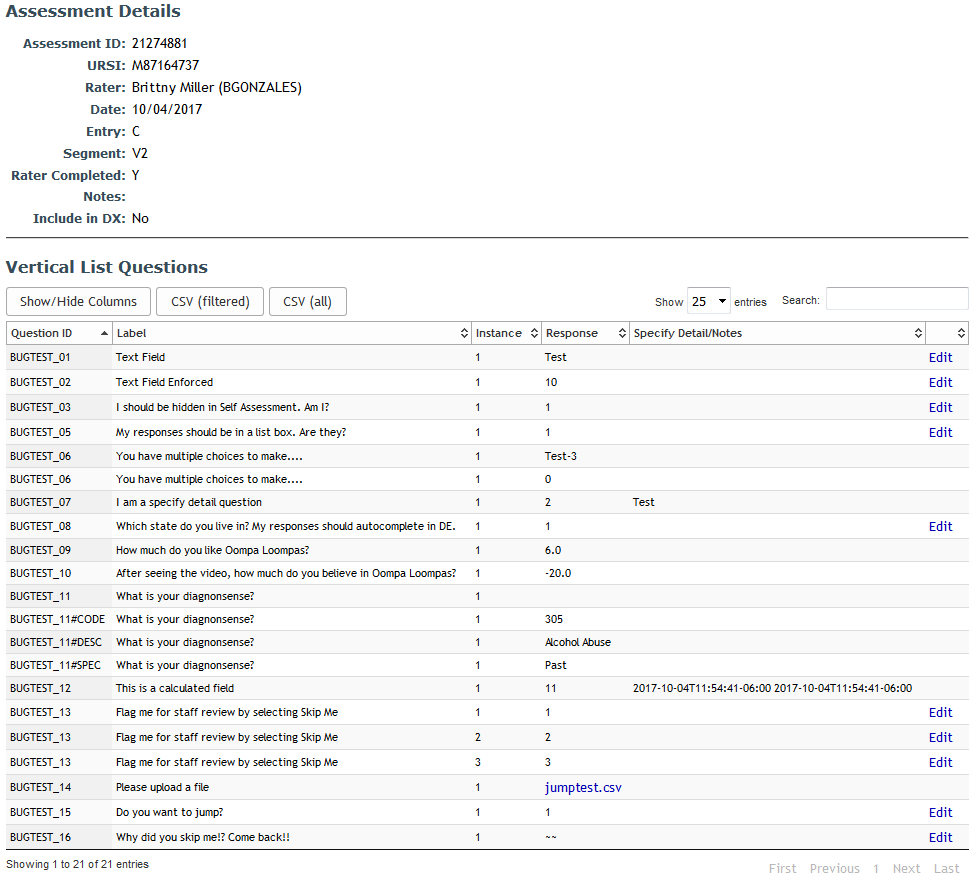
Users with coordinator permissions and above will be able to click Edit to update responses. Only text input question types or canned responses without specify detail can be edited.
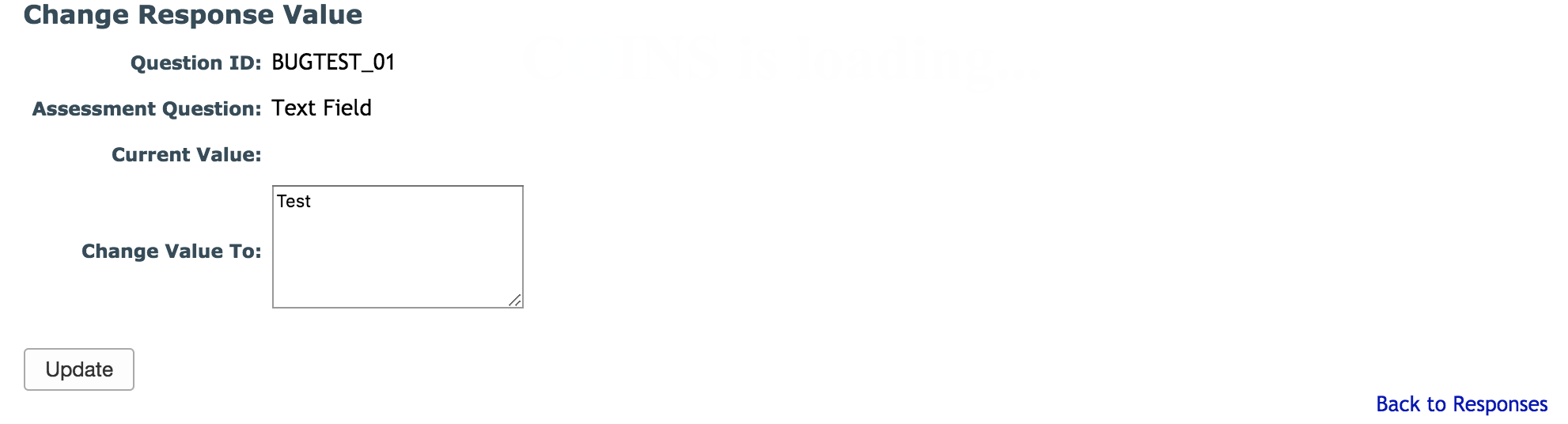
The current value will be displayed for updating. Click Update to change the response value. To continue without editing, you can click Back to Responses.
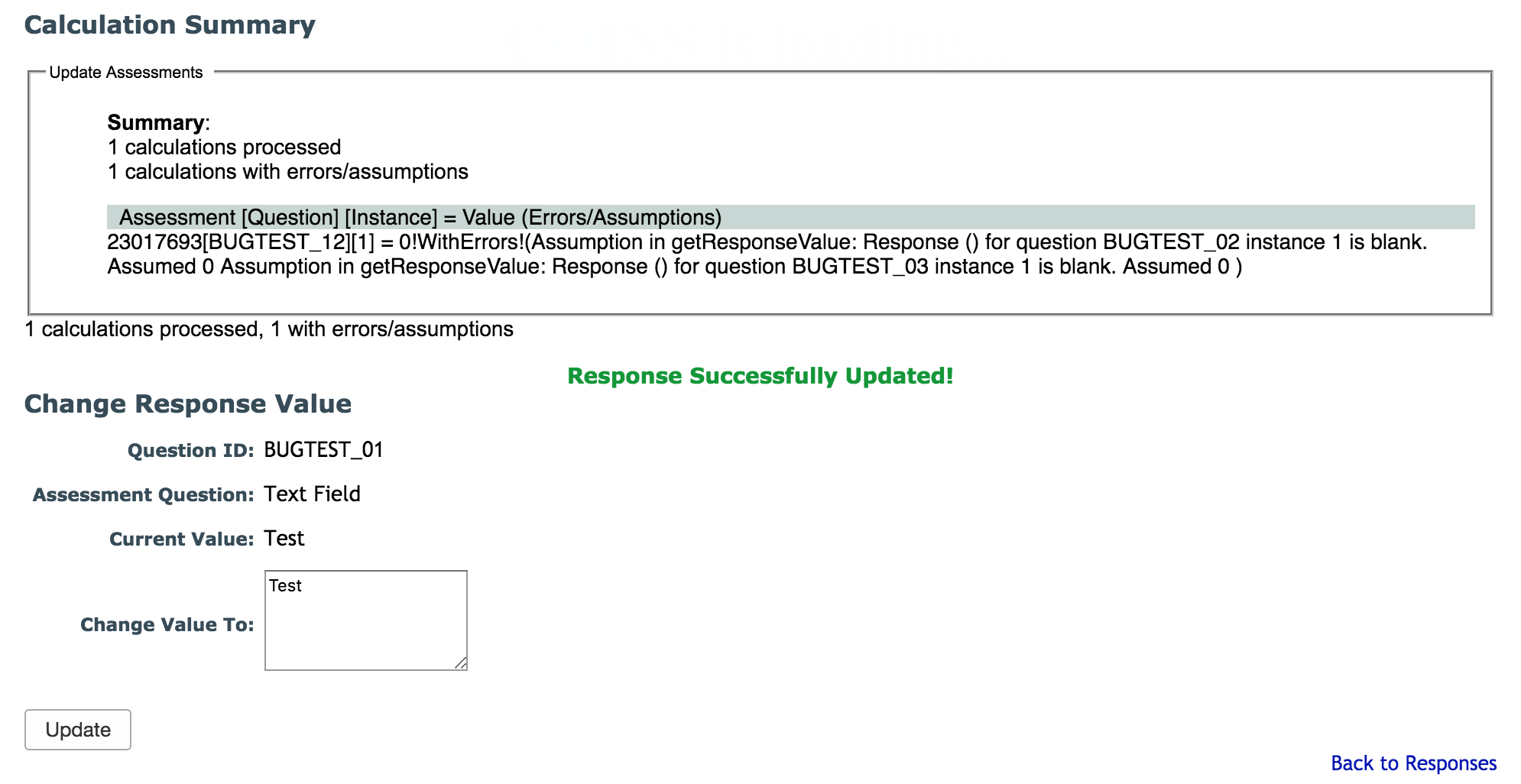
If the instrument for the assessment has calculated fields and the response is included in the calculations, the calculated fields will automatically recalculate with the new values.
Comments