What is the difference between a Rater and a User for an assessment?
A Rater is the individual or individuals who collected the data being entered. Raters are populated in the Rater1 and Rater2 drop down on the data entry cover sheet.
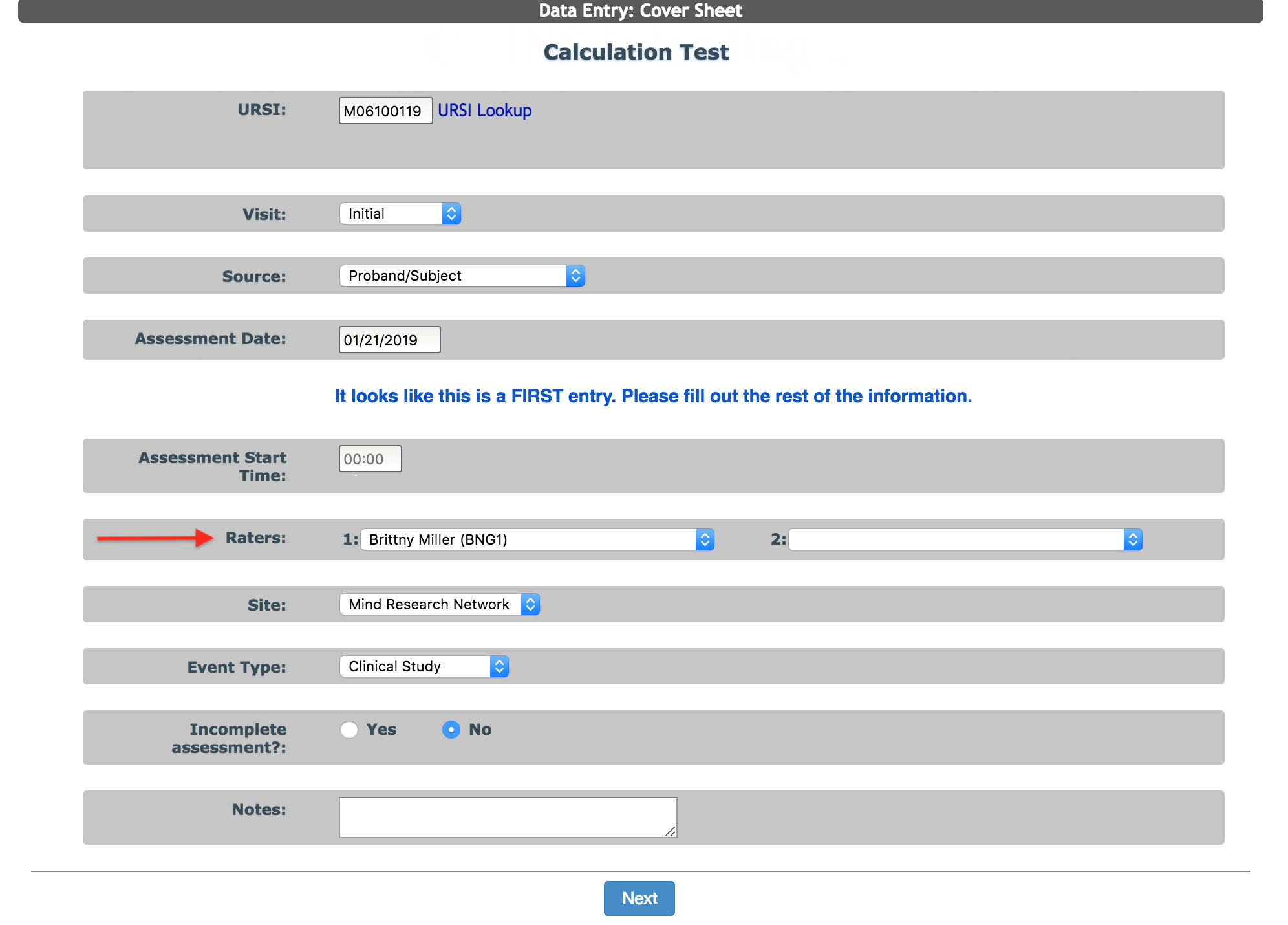
A Rater must be added to the study before data can be entered under his or her name.
A User is the individual who is entering the data into Assessment Manager (the person logged on and filling out the form). When you search for an assessment, you can see both the User and the Rater(s) in the search table.

In the example above, the person who collected the data from the participant (Rater1) is BNG1. The person who entered this assessment into ASMT (User) is AKREINER. In some cases, the Rater and the User will be the same person. However, because raters are assigned an ID when added, a person's rater ID will not exactly match their username.
If the assessment was entered directly by the participant in self-assessment mode, the Rater will be listed as SELF and the User will either be the User who completed the assessment from the review queue OR be P2_ followed by the participant's login ID if the assessment skipped the review queue. You can choose which instruments need to be reviewed and which can skip the review queue from the List Instruments table.

Put in about rater SELF and user P2_XXXXX... XXXX being Logins
Comments