From the Subjects menu, you can view a summary of all of the data that has been entered for a specific participant, including scan and assessment information. To view the data that has been entered for a specific subject, site or subject type, enter the desired criteria and click Show List. You will be able to view the scan and assessment information that has been collected.
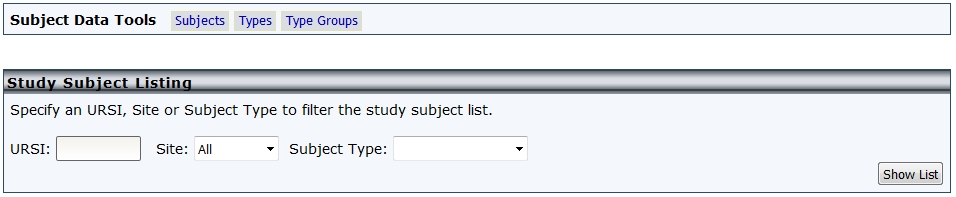
If you do not have a specific criteria just select Show List and a list of all of the participants in the study will appear. Disenrolled participants will not appear in this tool.
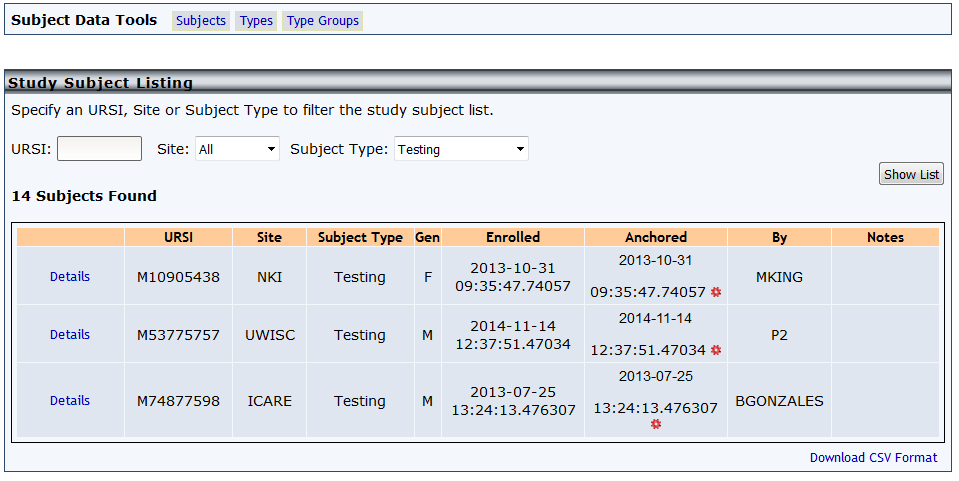
Basic enrollment information for participants matching your search criteria wills be listed. Anchor dates can be edited form this list by clicking the gear icon and selecting a new date from the popup calendar. To see the assessments and scans for a participant, click Details. To download the results list click Download CSV Format.
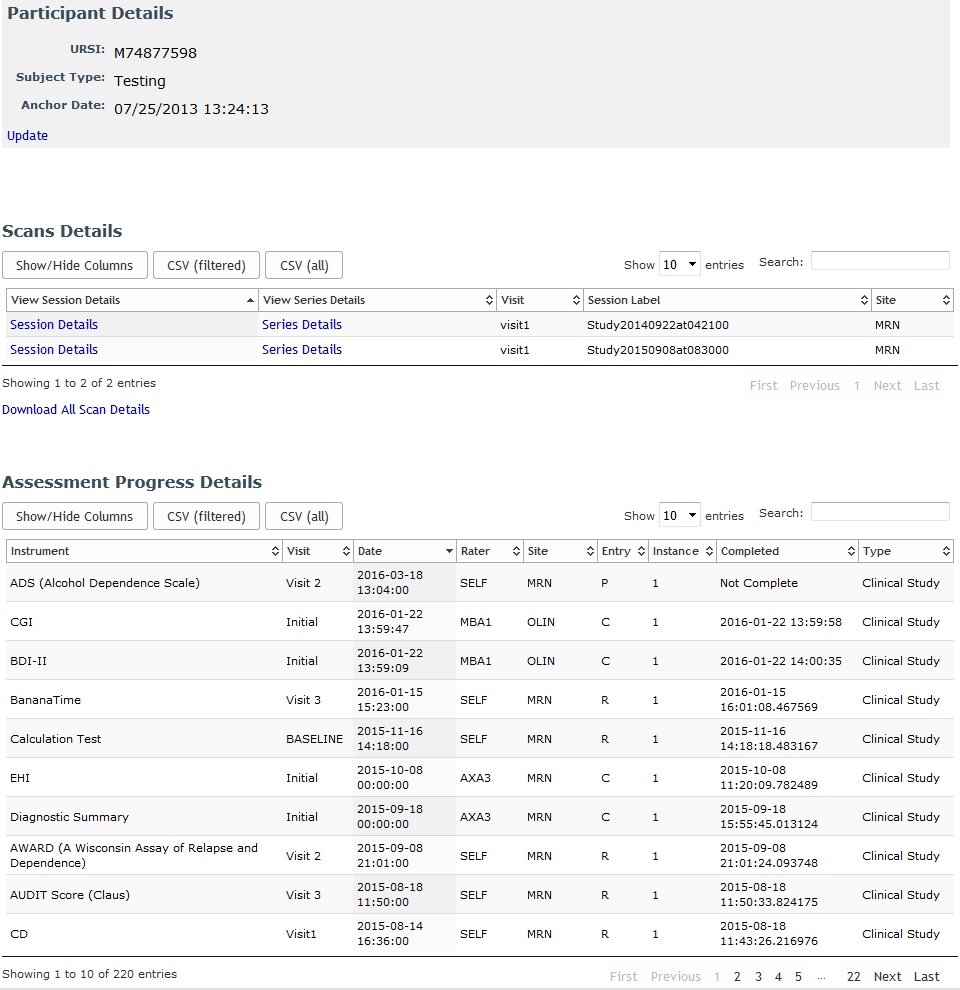
Details can be more closely viewed and edited from this page. Click here to read information on this.
Comments