To access a searchable list of studies go to List Studies through the Studies menu.
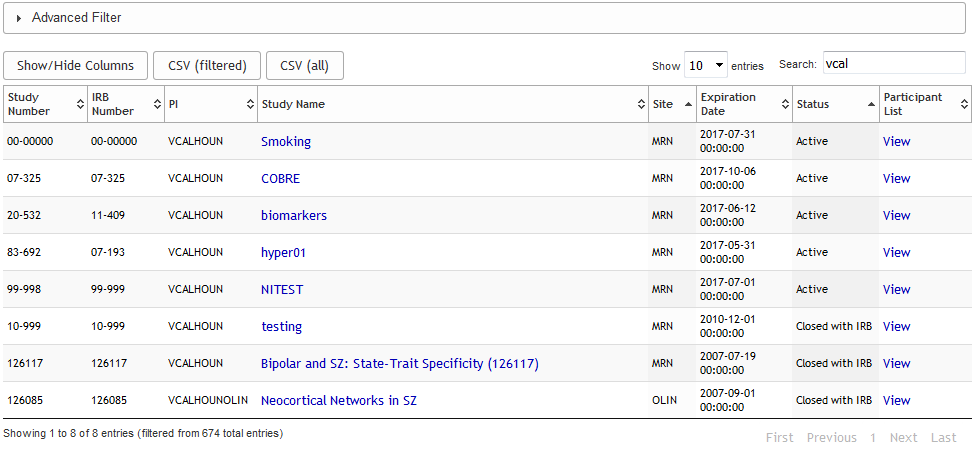
The List Studies tool allows you to view a list of the studies that you have permission to see. The studies will be listed with Study Number, IRB Number, Study Name, Site, Expiration Date and Status. Click View to see the list of participants enrolled in the study. The List Studies table has many built-in features to help users customize and retrieve table information.
If you have several studies on this list you can toggle the filter by clicking Advanced Filter, selecting options and then click Apply Filter to see the filtered results. A list of studies that meet your selected criteria will be listed.

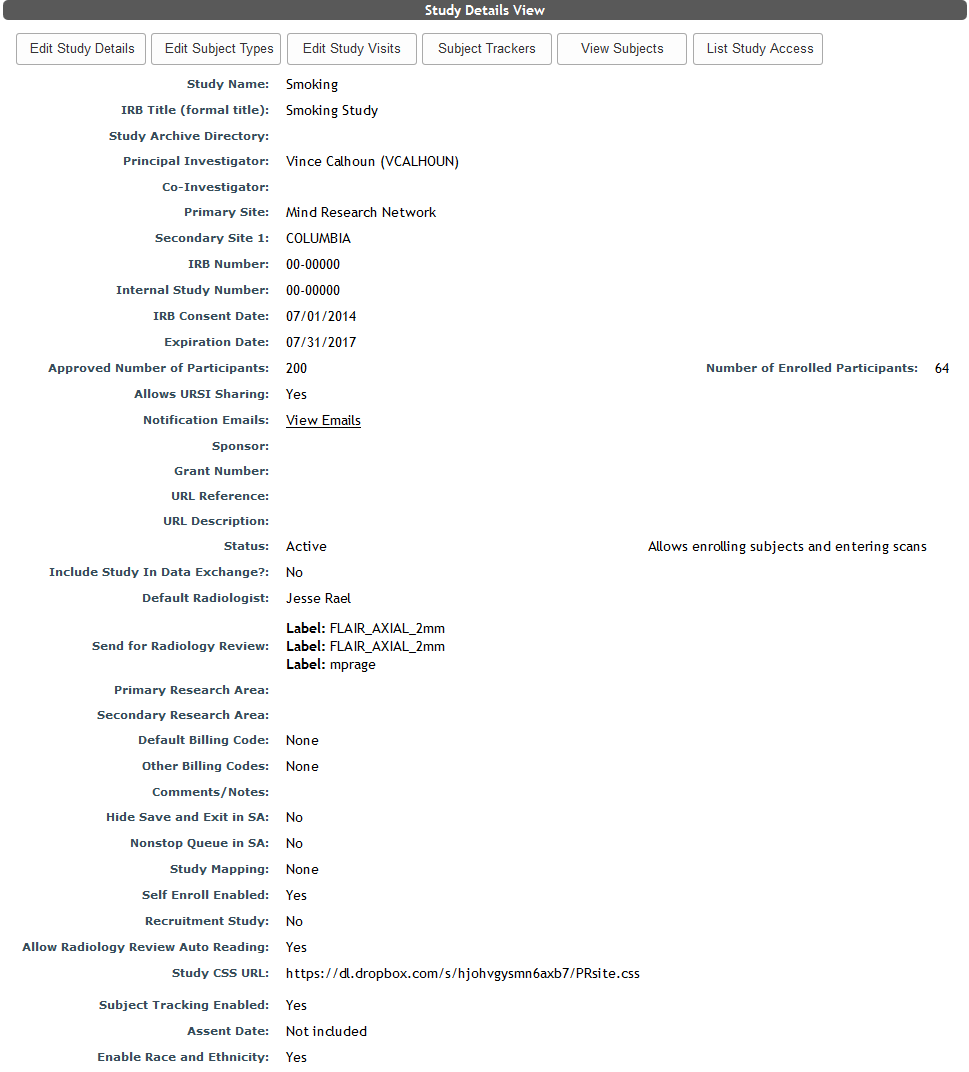
Click the Study Name for the study you would like to access. You will be directed to the Study Details page for that study. For information on how to update the study details click here.
Comments