Use the File Upload question type to upload files that relate to your assessments.
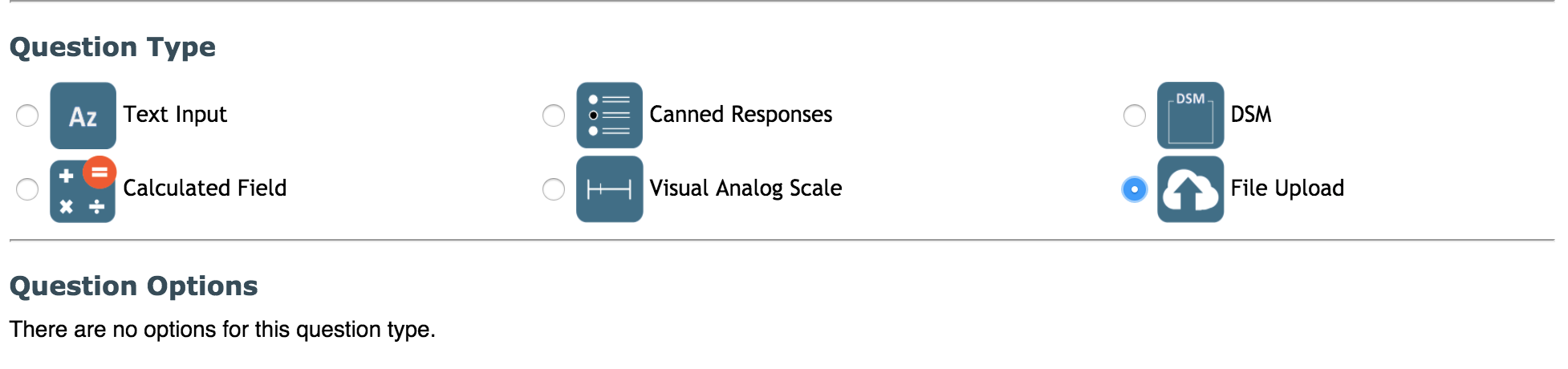
The files can be uploaded through data entry and are saved to:export/research/archive/human/assessment/assessment_id/question_id/question_instance locally at MRN.
Note: This question type is hidden from Self-Assessment by default.
During data entry, click the link labeled, click to browse & upload, select the file you wish to upload and click Open.

The file is then saved and the file name is printed in the open field for that question.

When data is exported the file name will appear for that question. Files can also be uploaded in bulk or after an assessment is complete through the Import Assessment Documents tool. Any uploaded documents can be downloaded through ASMT Search.
Comments