This tool is used to import documents to existing completed assessments in Assessment Manager and is only available to Site Administrators and super users. You cannot upload documents if the instrument for the assessment does not contain a File Upload question.
To open the tool, select Import Assessment Document from the Admin tab.
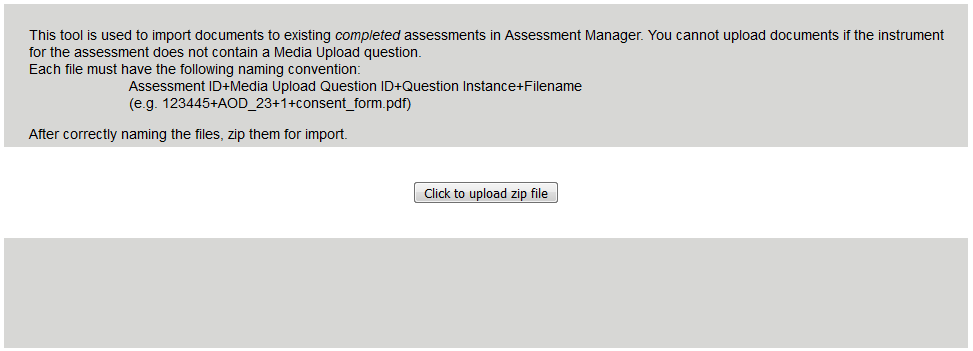
Each file must have the following naming convention: Assessment ID+Media Upload Question ID+Question Instance+Filename (e.g. 123445+AOD_23+1+consent_form.pdf)
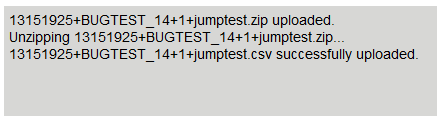
After correctly naming the files, zip them for import. Files must be zipped and multiple files can be added to each zipped folder. Click the Click to upload zip file button and select your file. You will be prompted if the file was successfully uploaded or if it was unsuccessful.
Imported documents can be exported from ASMT Search.
Comments