To bill a canceled scan session, click Canceled Scan Billing from the Billing menu.

Complete the fields. When selecting a Charge Code, the default code will be indicated with an *. Credits Used and Tech Credits are required. If none were used, zeros must be entered. To save the scan billing, you must enter a positive value in either Credits Used or Tech Credits, but a zero value can be entered to save a discrepancy.
You must enter text in the Notes box in order to send the billed scan to the discrepancy list. If a discrepancy is added, the site admin will automatically be emailed.
Click Save to save the billing, or Add Discrepancy to add to the discrepancy list.
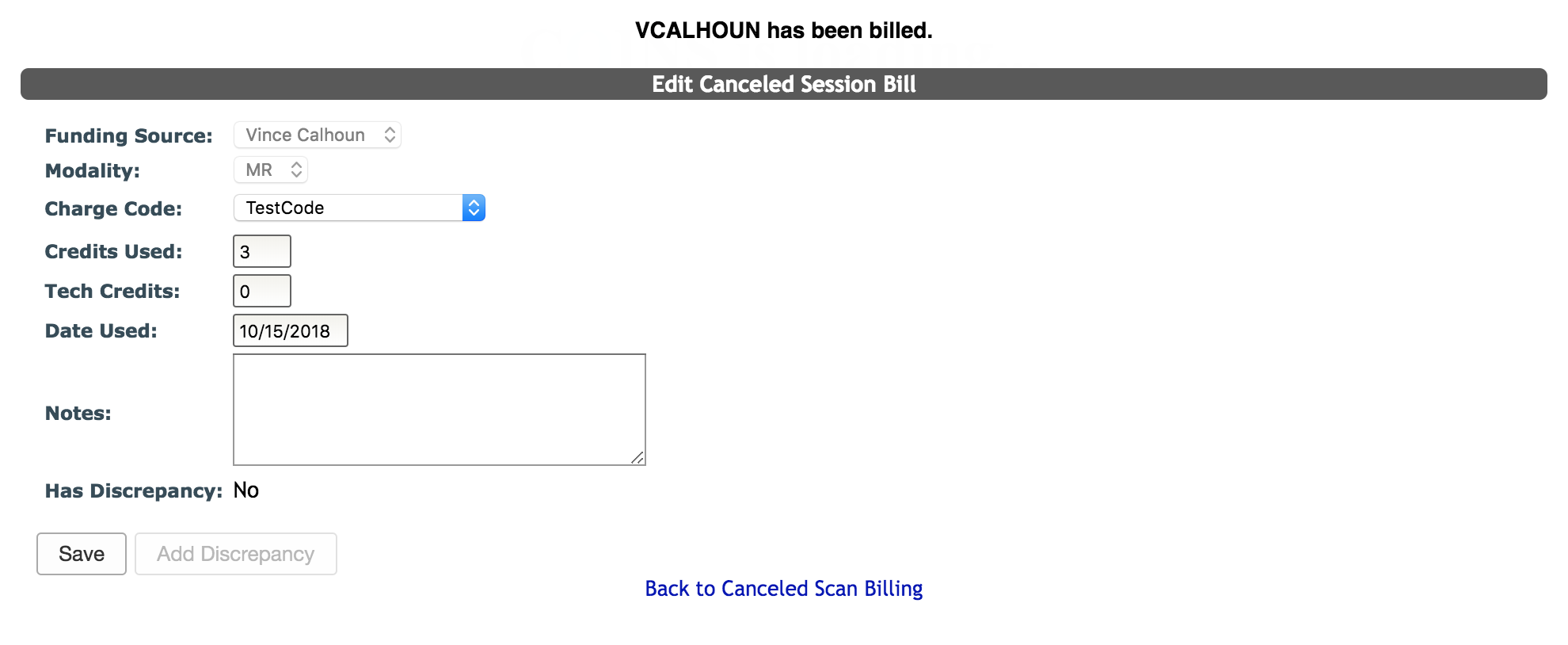
After clicking Save, you will be notified that the funding source has been billed. You can also edit the scan or click Back to Canceled Scan Billing to return to the previous page.
Search Canceled Scan Billings
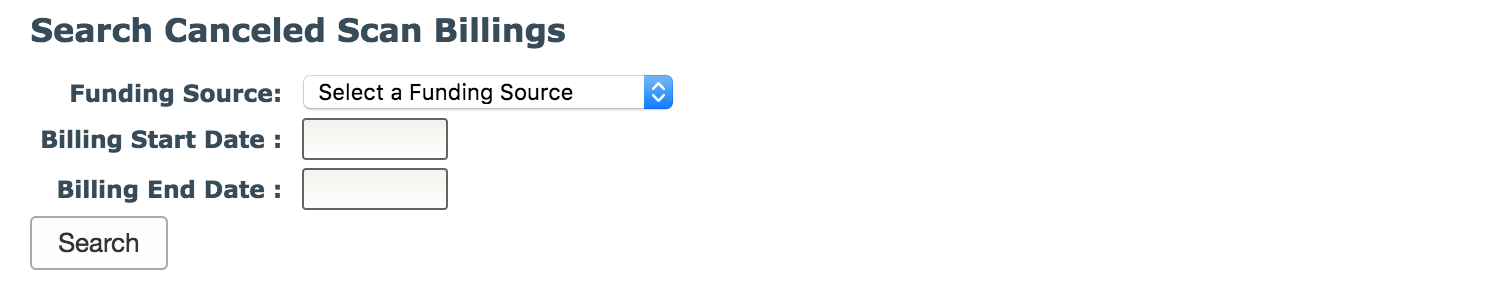
Users are also able to search and edit canceled scan billings from this page. Enter the criteria and click Search.
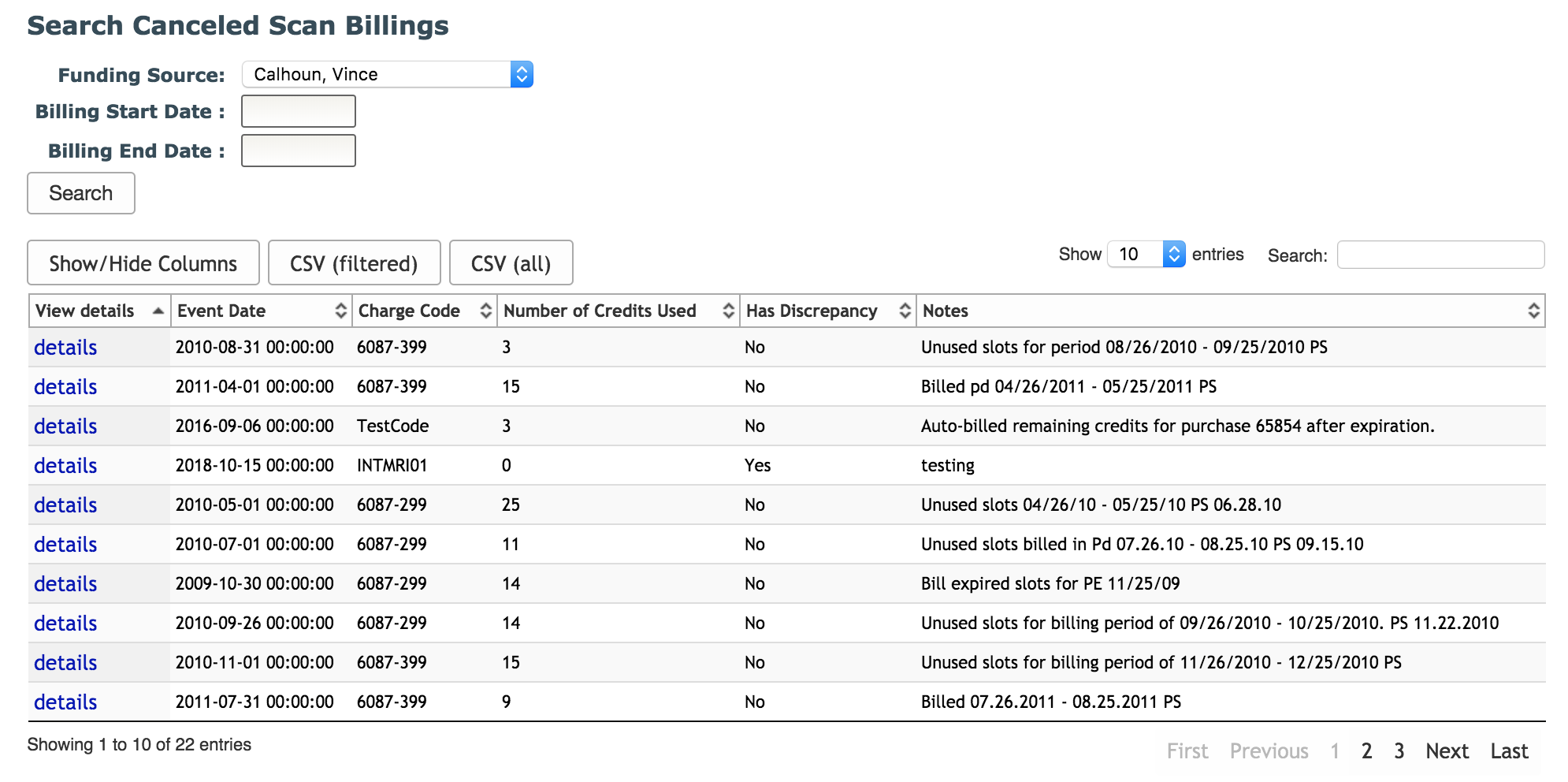
A table will be shown with all of the canceled scan billings that meet your search criteria. Click details to view and edit the scan information. Note: All fields will be editable except Funding Source and Modality. Also, expired credit billing will appear in the the canceled scan search but these are not editable.
Comments