Subject Types for a study can be grouped in the study's portal by click on the Subjects menu item and then clicking Subject Type Groups. Any existing groups will be listed here.
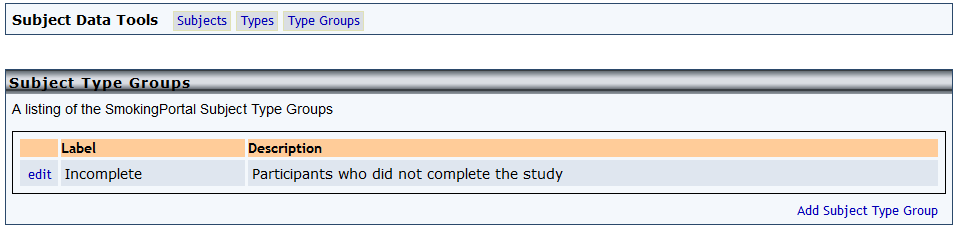
Click Add Subject Type Group to add a new grouping.
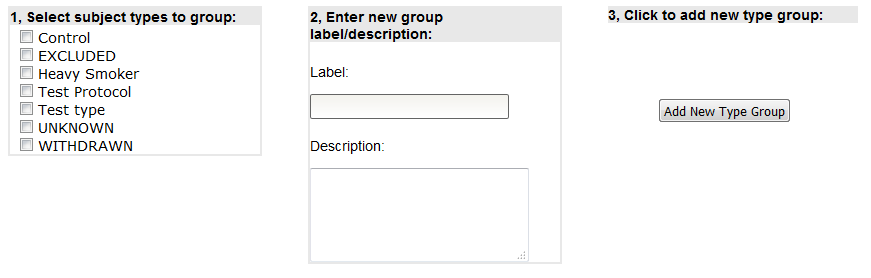
Select the subject types to group and enter a label and description for the grouping. Click Add New Type Group to create the new group.
To edit an existing type group, click Edit next to the grouping you wish to change.
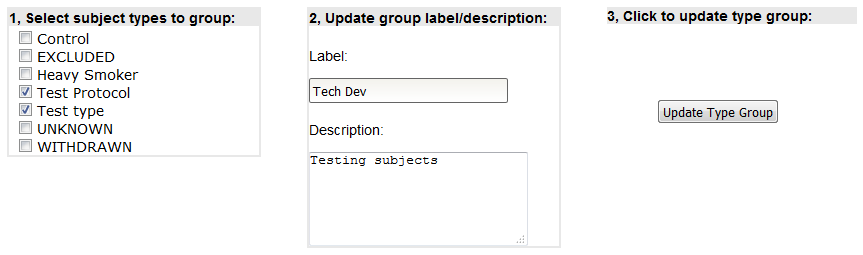
Click Update Type Group to save your changes.
Comments