Subject Types for a study can be managed in the study's portal by click on the Subjects menu item and then clicking Types.
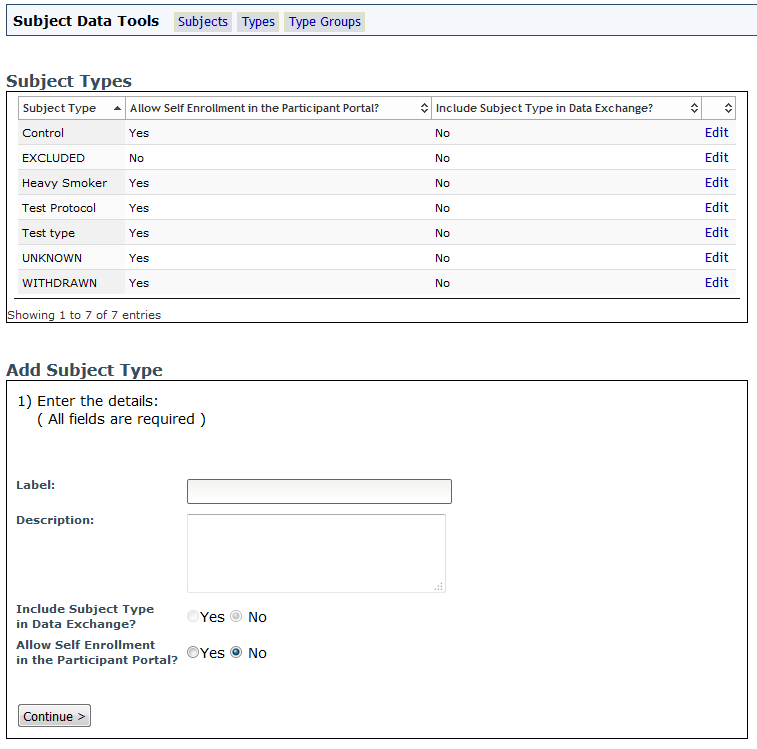
A list of the subject types for the study will be displayed. To add a new type, complete the necessary information under Add Subject Type and click Continue>. Click Edit to update details for an existing type.
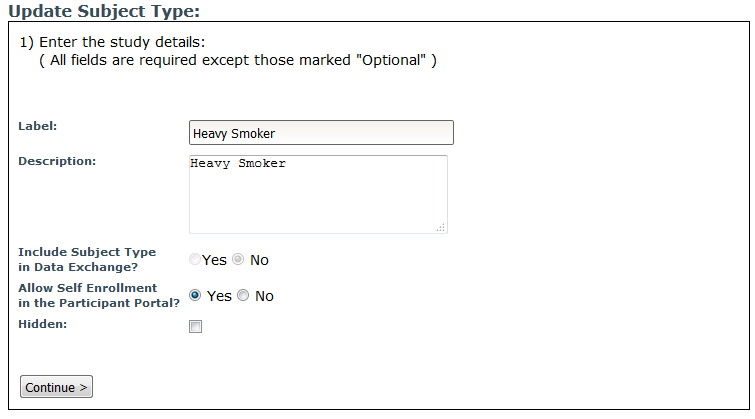
Make any necessary changes and click Continue> to apply them.
Subject Types can also be managed in MICIS.
Comments