COINS provides automatic calculations for assessments that are executed at the time the assessment is completed. These calculations can sometimes include fields that did not contain data. To alert the researcher of such an occurrence, the calculation will have the flag !WithErrors! after the result.

In this example output, the participant skipped weight when completing this assessment in p2. Since there is no data for weight, the calculation was performed with errors was flagged.
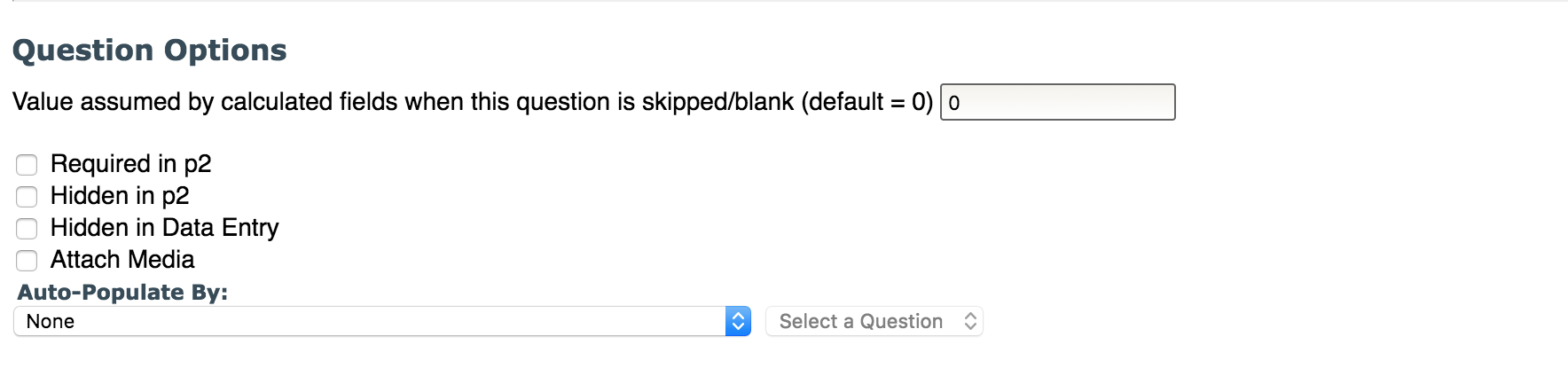
Even if a response is missing, you can set the value for the question in the event that it is blank or missing. By default the value is 0. If the value is changed from 0, they will still be flagged if the data is missing, but will calculate using the provided value.
If a division by zero is performed, the out put will be DIV/0!WithErrors!.
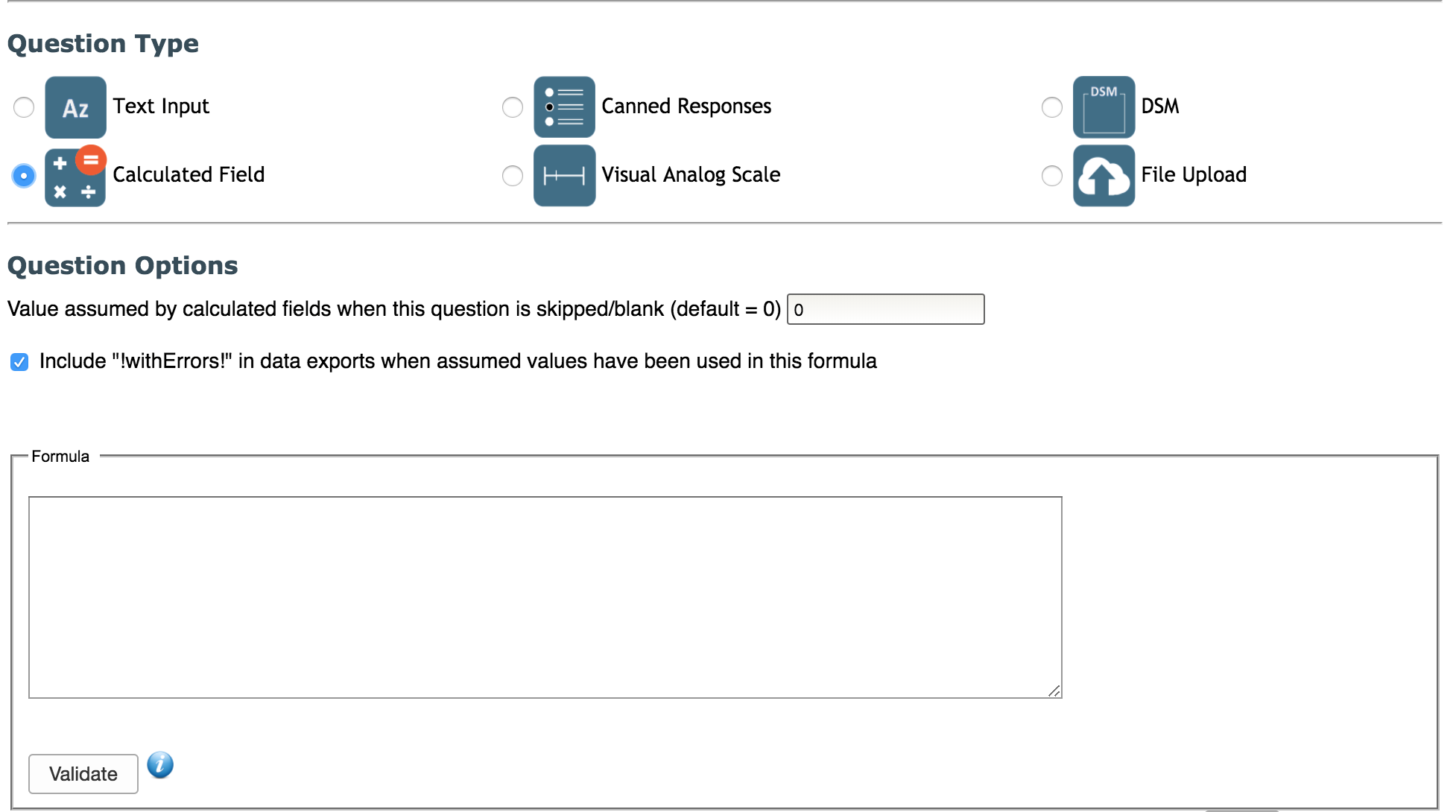
As stated above, the "!WithErrors!" flag is a tool used to alert the researcher when a calculation includes fields that did not contain data. This is the default setting. You can disable the "!WithErrors!" message by editing the Question Details in Assessment Manager.
Comments