To see a list of all document categories currently added to the study's portal, click List Categories from the Document menu.
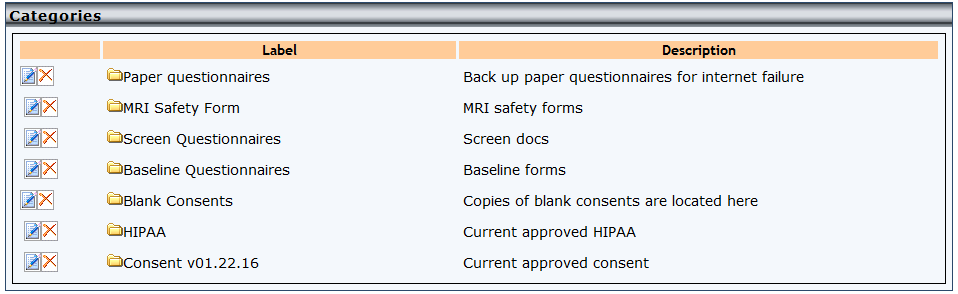
All parent and subcategories will be listed here with their descriptions. From here you can delete categories that do not have documents associated with them by clicking the X.
To update a category, click the pencil icon.
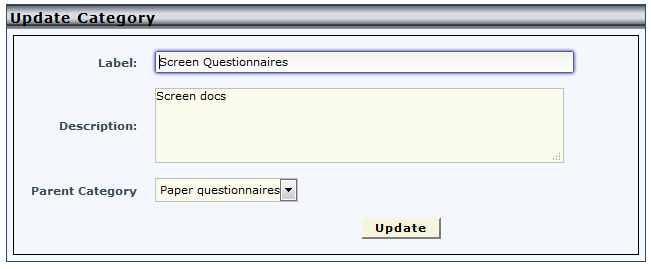
Click update to save changes.
Comments