To add a category to the study's portal, click Add Category from the Document menu. It is necessary to have at least one existing category priory to adding a document.
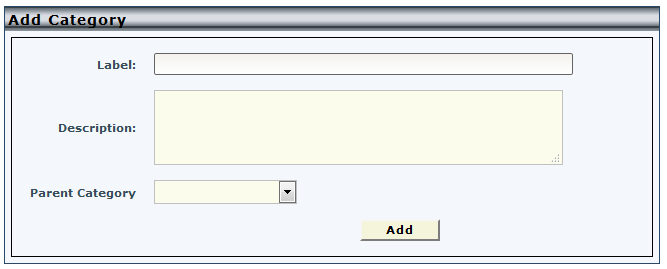
All fields are required to add the category. To make this category a parent category, leave the parent category drop down blank. Otherwise, you can make the category a subcategory by choosing a parent category to add it to. Currently only parent categories can have subcategories, as you are not able to add a subcategory to a subcategory.
Click Add to add the specified category.
Comments