To see add a document to the study's portal, click Add Document from the Document menu.
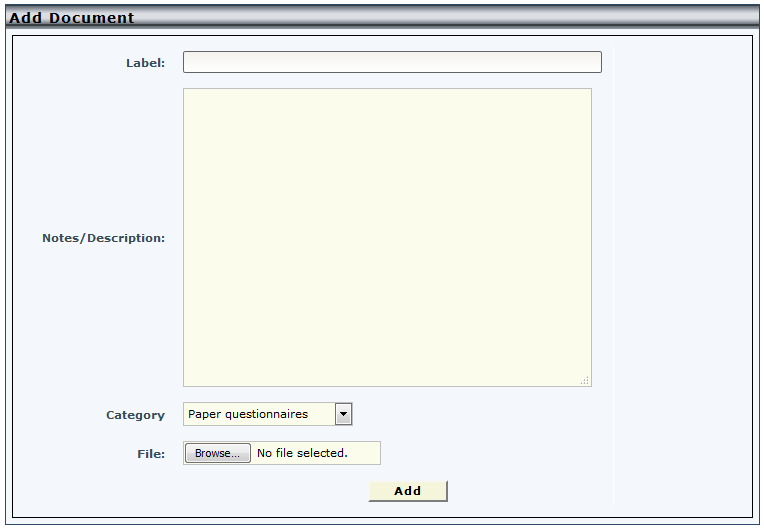
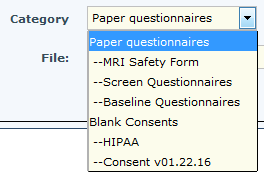
In order to add documents you must add at least one category. Complete the fields and select a category or subcategory to add the document to. -- indicate a subcategory.
Click Browse to select a file. Click Add to add the selected document. After a document is added, only the use who added the document can update it, but it can be deleted by anyone who has access to do so.
Comments