Study portals serves as a central spot for viewing study progress for internal and external collaborators.
To access a study portals through the Meta Portal, click Meta Portal from the Home menu.
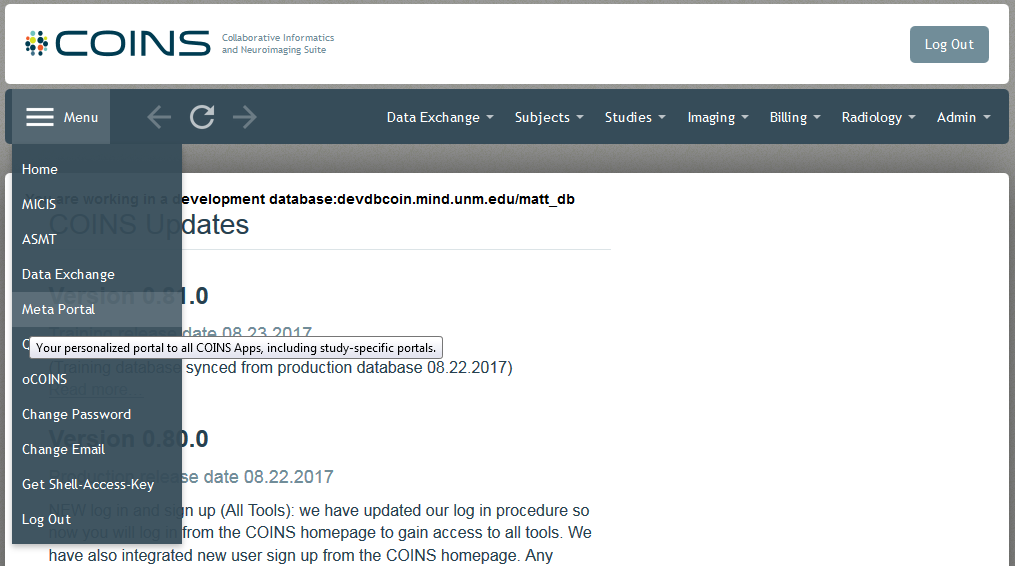
This will take you to the Meta Portal home page. All the study portals you have permission to access will be listed under My Apps. Only studies you have been given portal access to will appear in this list. Having MICIS and/or ASMT access to a study does not automatically mean you have access to the respective portals. As of 2014, a portal is automatically created when a study is added. Prior to this, portals were only created upon request. If a study was created before this time it may not have a portal. To have a portal created for studies created prior to 2014, please submit a ticket.
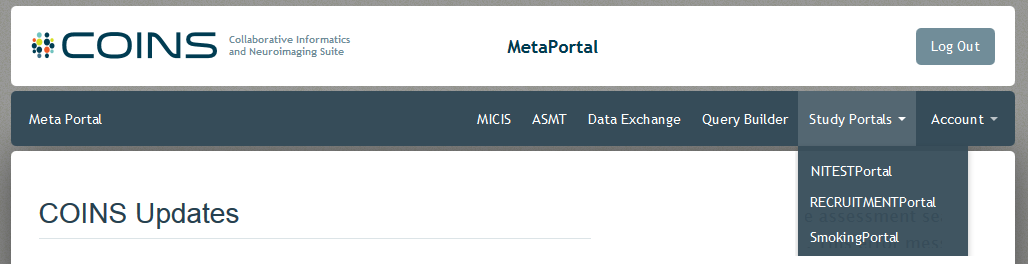
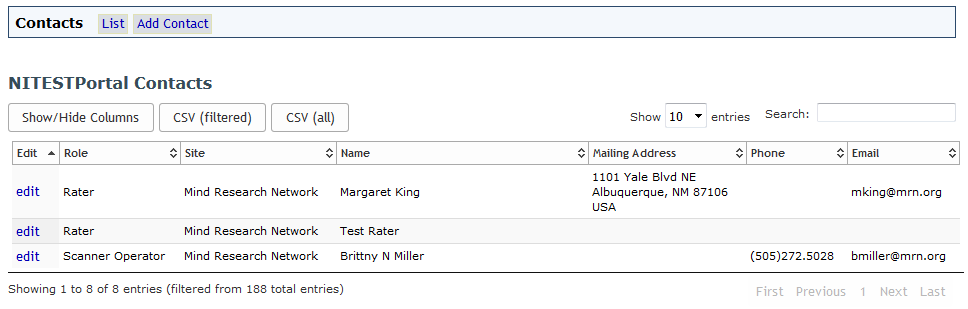
Click on a study portal from the My Apps menu to enter the portal. You will be taken to the study's portal homepage.
Comments