Hover over the pencil icon on any question to access the question menu.

The menu consists of the following tools:
- Preview in Self Assessment
- Create/Edit Jumps and Loops
- Delete Question
- Duplicate Question
- Edit Questions
Information on each of these items is below.
Preview in Self Assessment
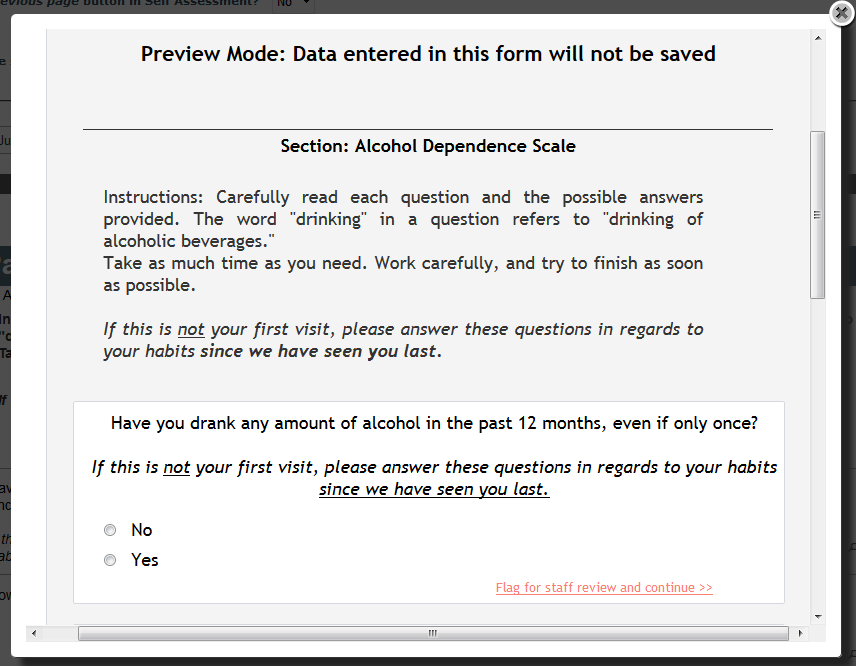
Click the magnifying glass to preview how the question will appear and behave in Self Assessment. This allows you to see and test your instrument without saving any entered test data.
Create/Edit Jumps and Loops
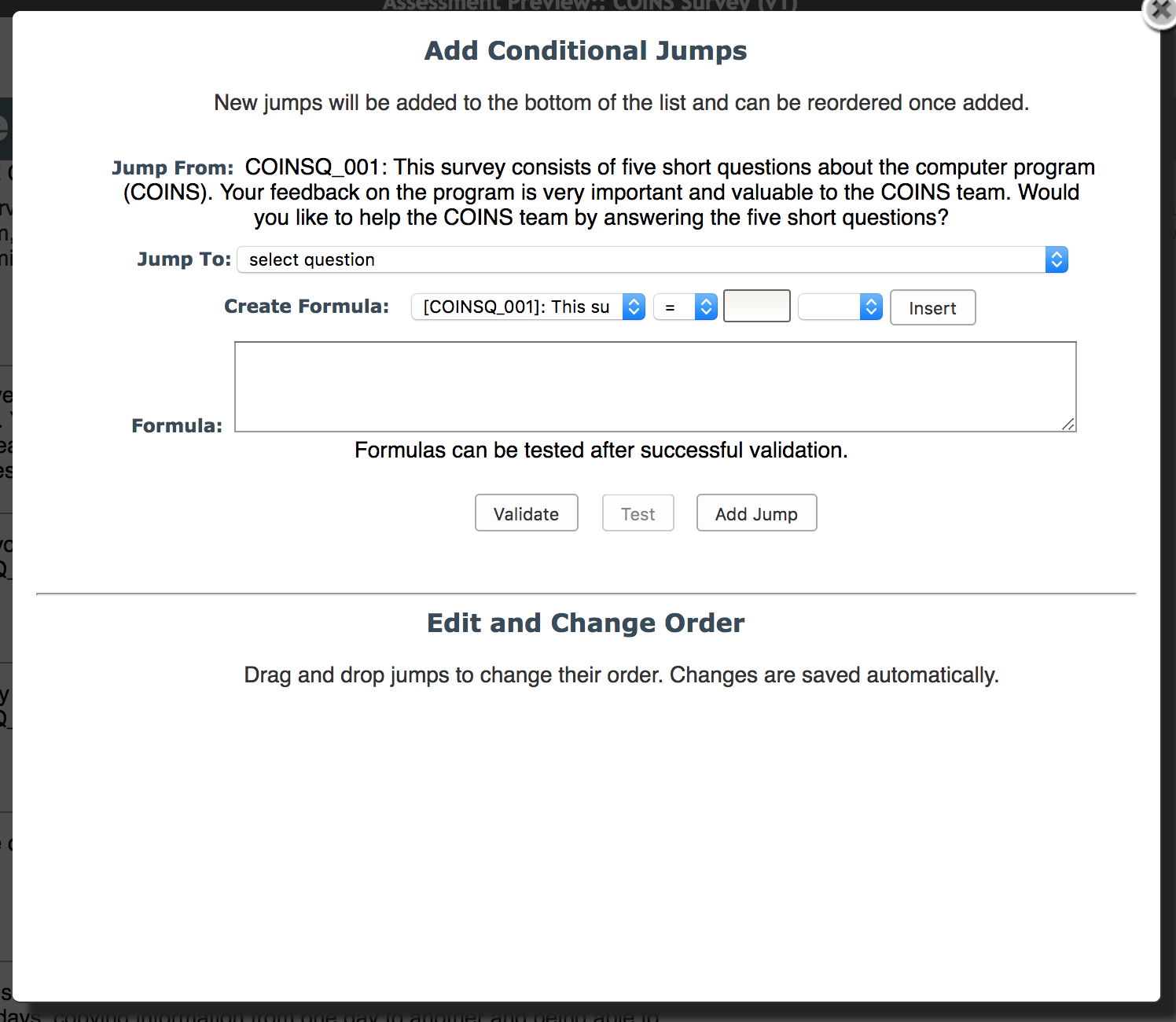
COINS allows user to customize conditional logic to facilitate assessment entry. With jumps and loops, study staff can define the flow of question administration with each question answered. To create conditional skips, jumps or loops, click on the arrow loop icon from the Question Menu.
Delete Question
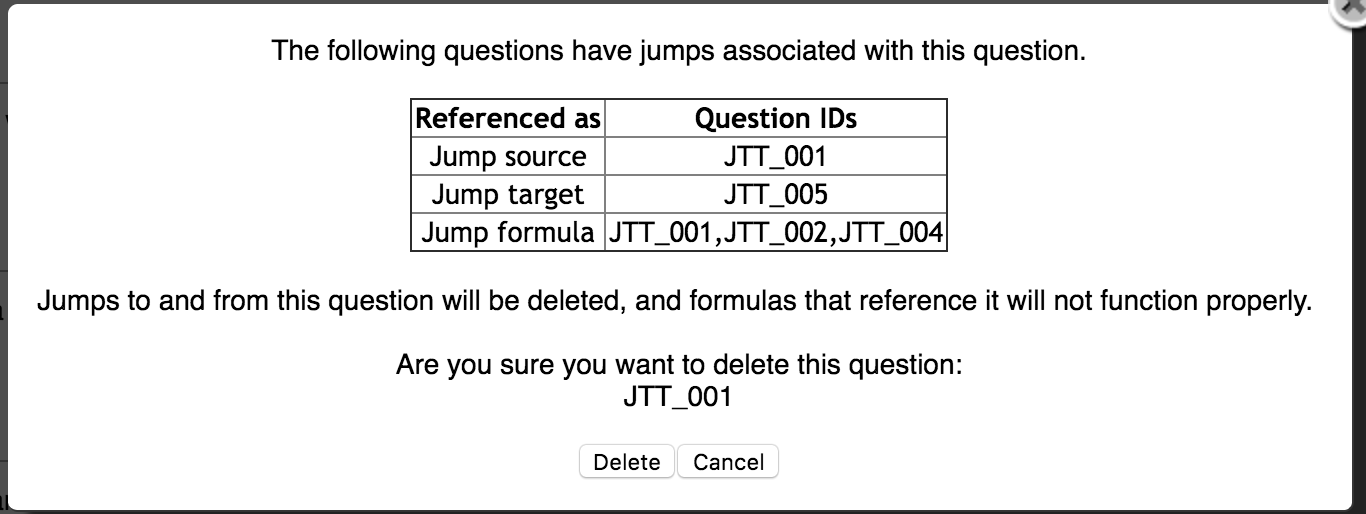
If you would like to delete a question, click the trashcan icon after hovering over the pencil icon. You can only delete questions that do not have data already entered for them. You will receive a warning if this occurs. These question can be hidden from Self Assessment and Data Entry in the question options.

Also, if there are any jumps associated with a question you are trying to delete, you will receive a warning. You will be given the question ID(s) the jumps are associated with, and how they will be affected.
Duplicate Question
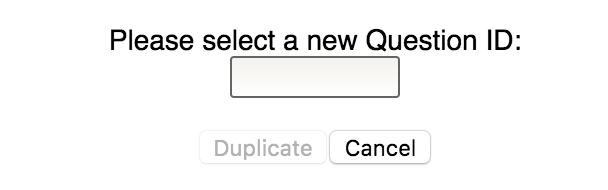
If you want to duplicate an existing question, click the double page icon after hovering over the pencil. You will be asked to supply a new unique question ID then click Duplicate. The new question will not appear at the end of the section.
Editing Questions
Click the pencil icon to edit the question details.
Note: Question IDs and stored numeric values cannot be changed once data has been entered for them. Response Labels may be edited, but once data is associated with a response, you will be warned before editing that changing the response label can cause integrity issues for the existing data.
Comments