Data Criteria
Prior to starting this step in Query Builder, please select your subjects.
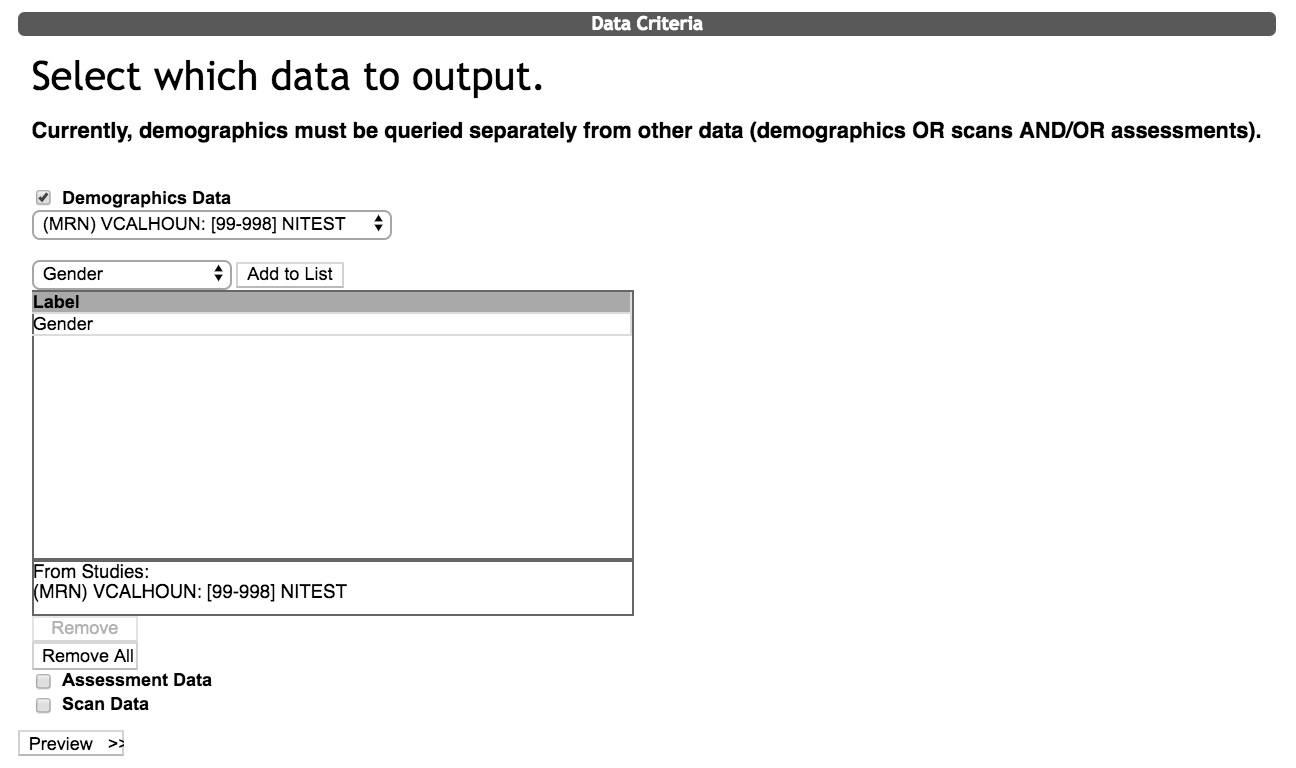
Use the Demographic Data option to query gender, race, ethnicity category, subject type or enrollment date.
Click the field of interest and then click Add to list. You can add more than one field to export. To remove an item from the list, select it and click Remove. If you would like to remove all of the items click Remove All.
Click Preview>> when you have select all of the desired criteria.
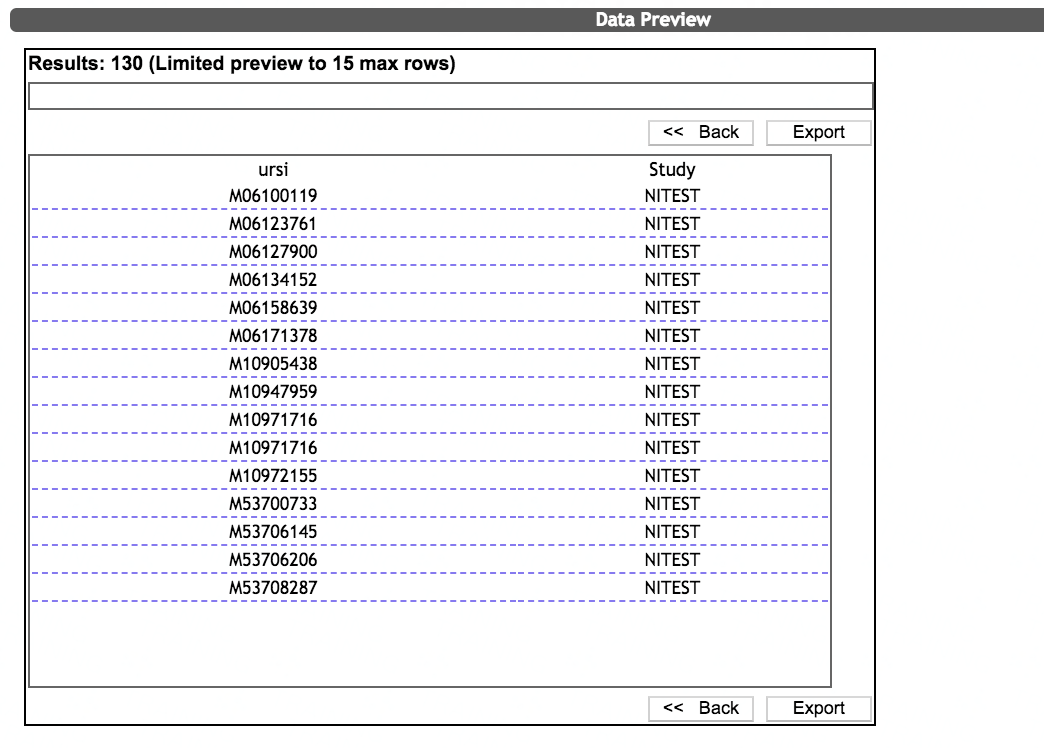
After clicking Preview, you will be shown a Data Preview. Note: There will be no URSI preview for queries using anonymization IDs. You will instead be shown the number of demographic records found.
Click Export to continue or <<Back to return to the Select Subjects and Data Criteria page.
Export Options
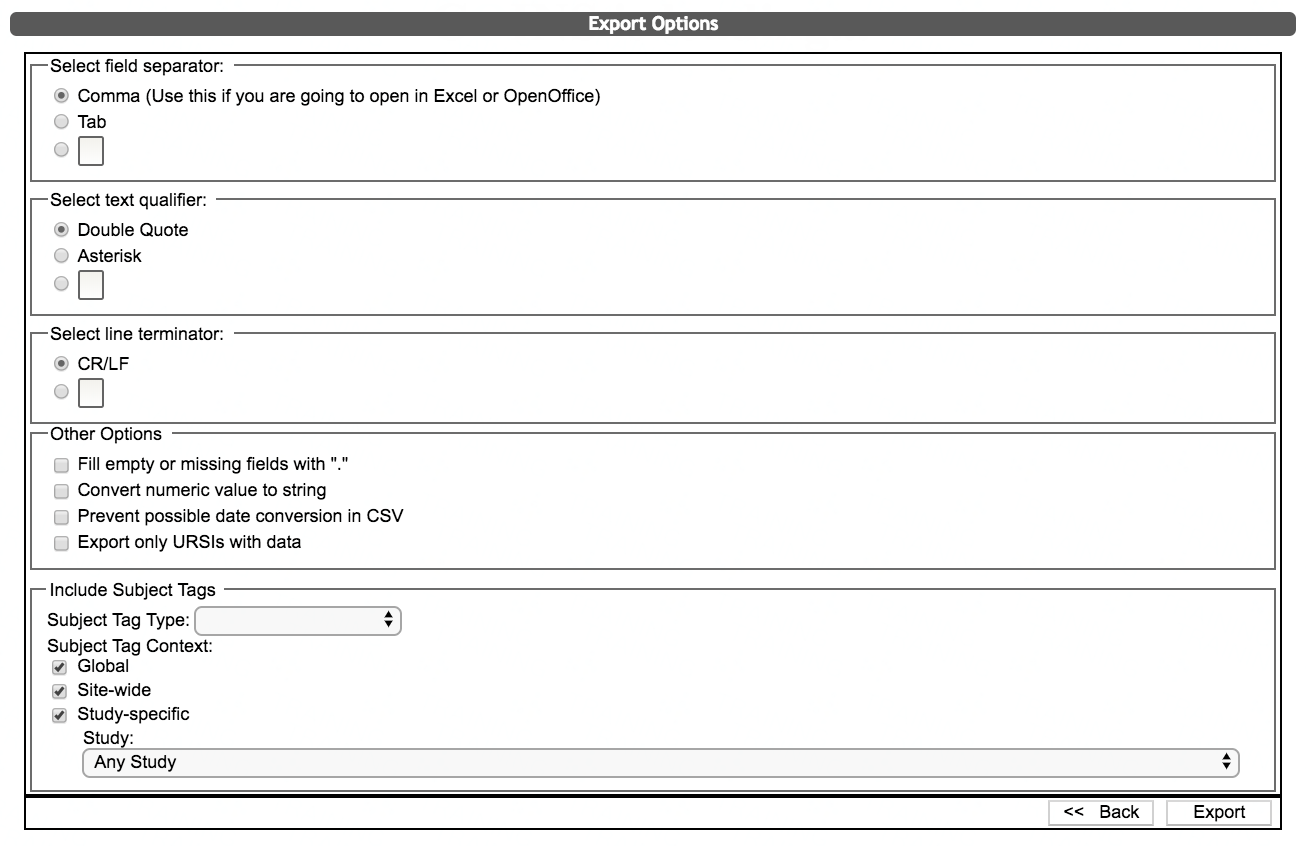
When exporting demographic data, you can choose the field separator, text qualifier and line terminator.
Other options include filling in empty cells with a period and exporting only URSIs with data. Exporting only URSIs with data is helpful if the subject list that you queried with is large.
Additionally, you can choose to include Subject Tags in the export. When exporting Subject Tags, you will be required to chose the Subject Tag Type, Subject Tag Context and the Study. Note: There will be no subject tag export options for queries using anonymization IDs.
Click Export to start your data download or <<Back to return to the Data Preview page.
Comments