Save and Share Queries
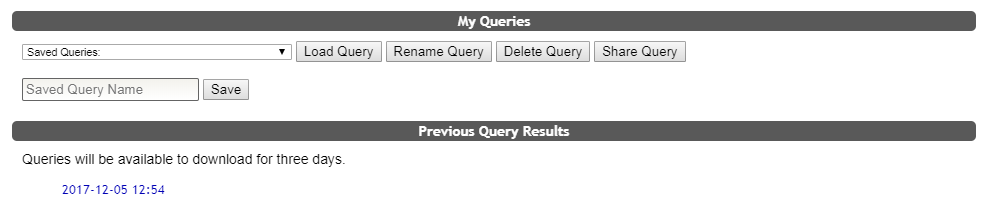
COINS allows users to save and share queries. Saving and sharing options are located at the bottom of the Query Builder.

To save a query you have already built, type the query name into the Label field and click Save.
To open a saved query, select the query name from the Saved Queries drop down, and click Load Query.
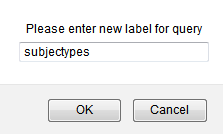
You can also rename queries by selecting the query from the drop down list and clicking Rename Query. You will be prompted to enter a new label for the query.
Alternatively, you can delete a query by selecting the query you wish to delete from the drop down list and clicking Delete Query.
Saved Queries can also be shared with other users by selecting Share Query. You will then be asked to provide a COINS username in which to share the query with. After submitting the username, the query will be shared. Once a query is shared, the shared user will have their own copy of the query and it is not linked to the owner's original query. Any changes to the queries will not affect others it is shared with.
For more information on how to build queries to save, click here.
Accessing Previous Query Files
COINS also allows users to download previous query files. Once you have completed a query, you will see your file under the Previous Query Results section at the bottom of the Query Builder page. Your query file will be available to download for three days.
Comments