Go to Self Assessment
Click Go to Self Assessment from the Self-Assess menu to navigate to the page to the Participant Portal (p2). This will log you out of COINS for security purposes.
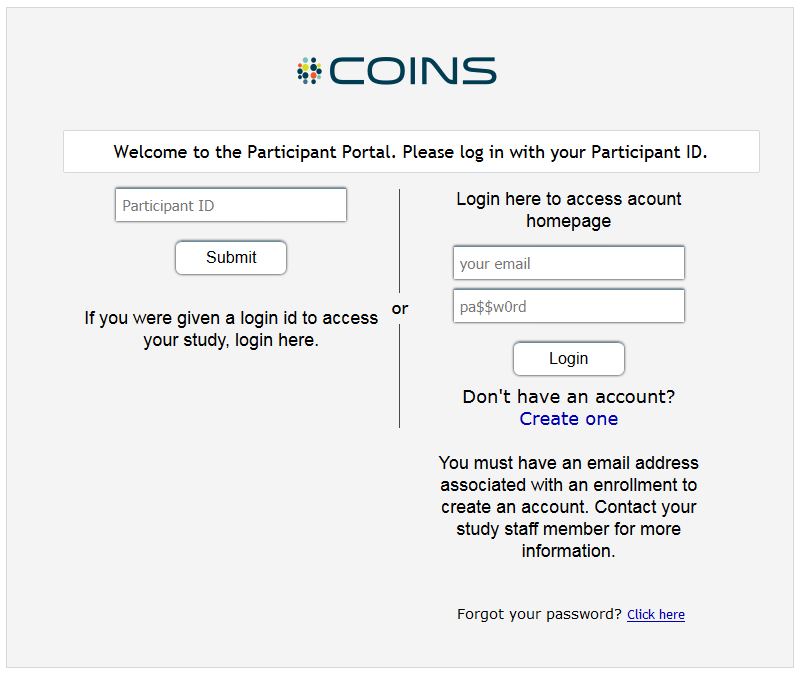
From here, participants can enter their Login to enter Participant Portal (p2) and start completing assessments.
Comments