Using the Export Tool
This export tool allows you to export questions by grouping them with a selected question for Complete records. This is most helpful for calendar assessments or assessments that have questions with multiple instances. Since this data is typically exported in a way that difficult to make sense of, this tool can help you to organize the data in a meaningful way.
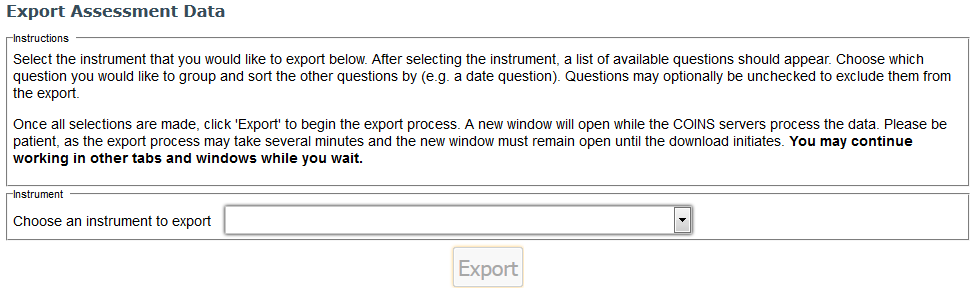
Begin by selecting the instrument that you would like to export from the drop down list. After selecting the instrument, a list of available questions should appear. Choose which question you would like to group and sort the other questions by (e.g. a date question, which is a good way to group calendar assessments). Questions may optionally be unchecked to exclude them from the export.
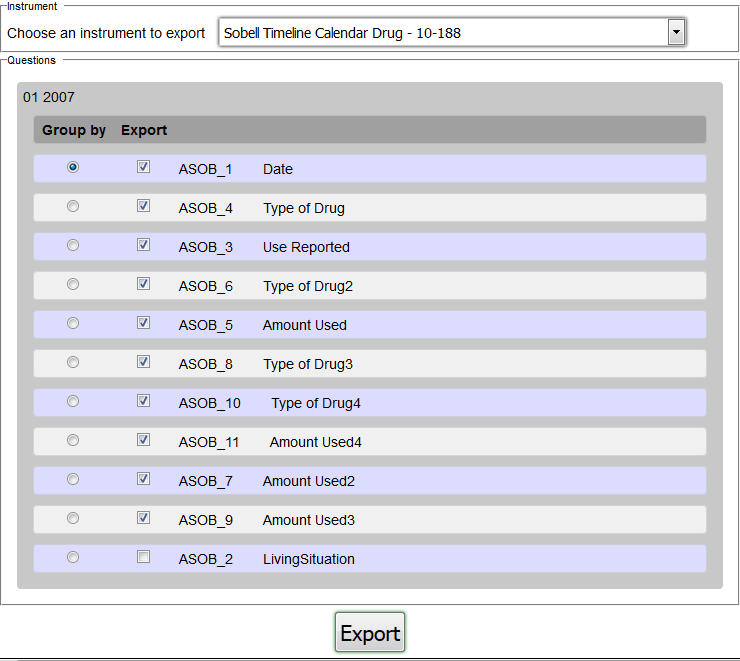
Once all selections are made, click Export to begin the export process. A new window will open while the COINS servers process the data.
Note: Please be patient, as the export process may take several minutes and the new window must remain open until the download initiates. You may continue working in other tabs and windows while you wait.
Exported Data
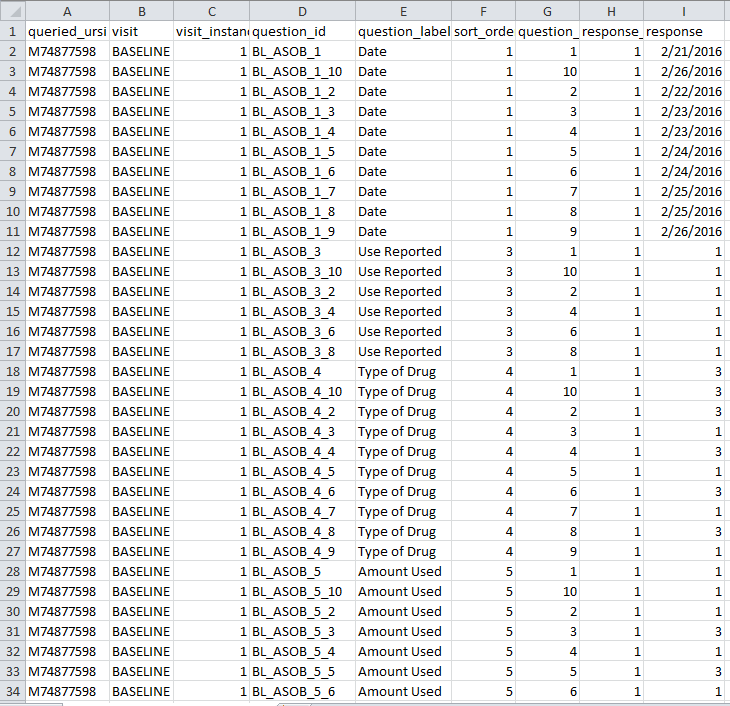
When exported from Query Builder, the calendar data will look similar to this:
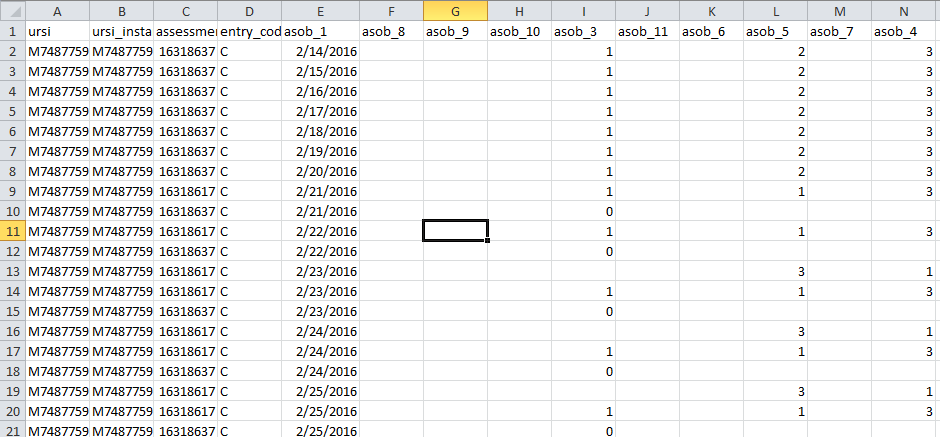
The exported data from the Study Portal Export tool will appear like this:
Comments