The Conditional Jump and Associated Auto-populate Flow Chart is a way to easily view the jump and auto-populate question logic associated with a given instrument.
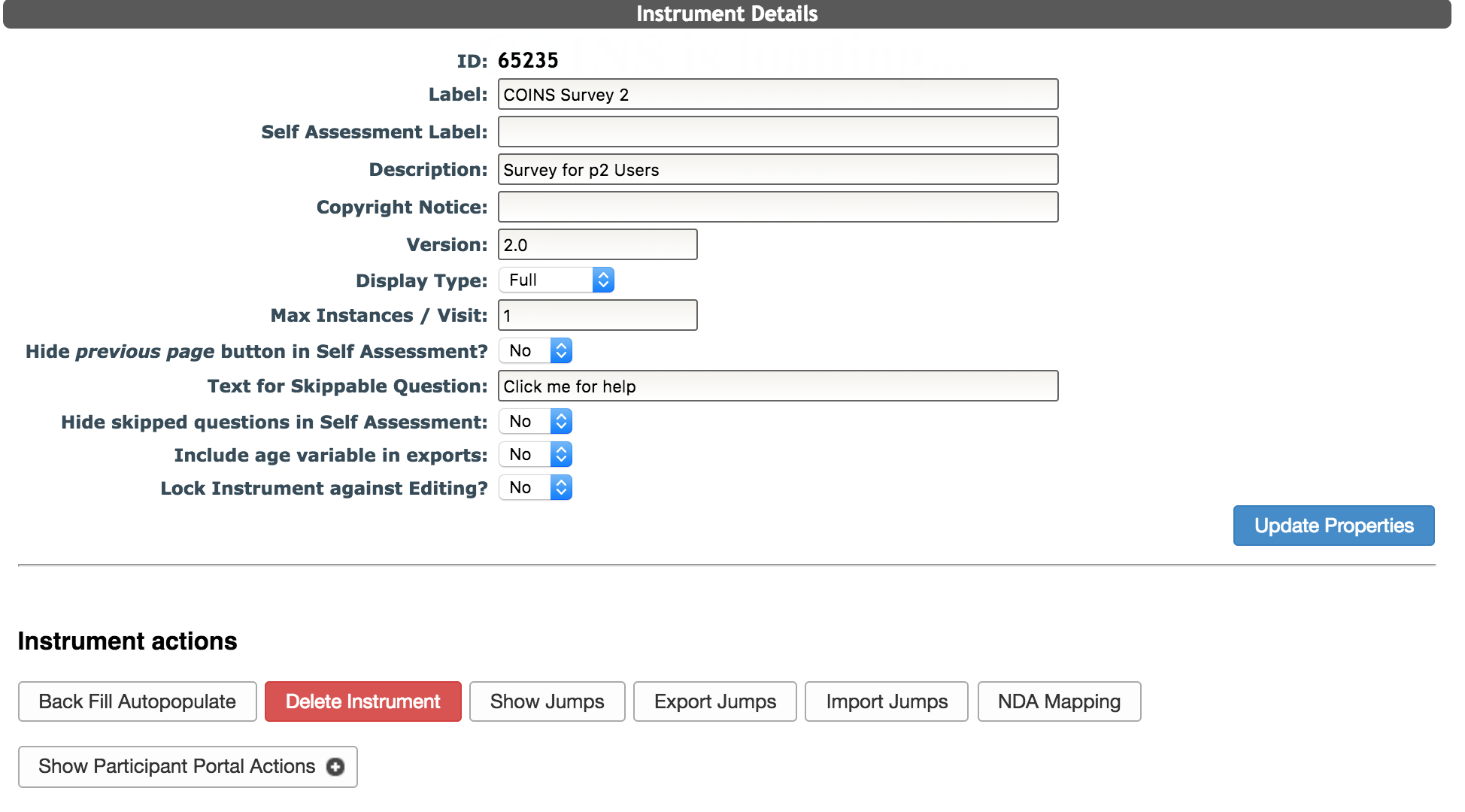
To access the flow chart, click Show Jumps in the Instrument Detail section. This option is also available for shared instruments.
You will then be presented with all the questions in the instrument that are have conditional jumps.
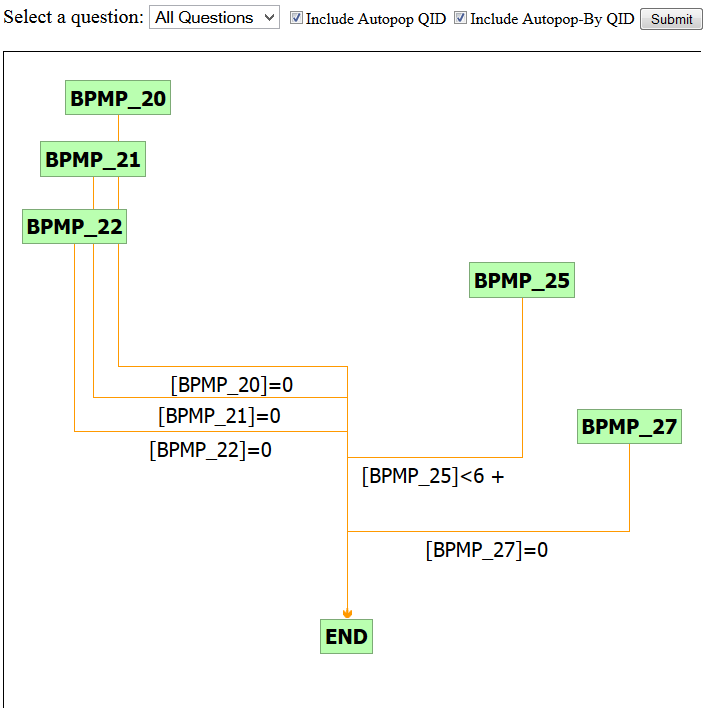
Select individual questions from the drop down and click Submit for an individualized view.
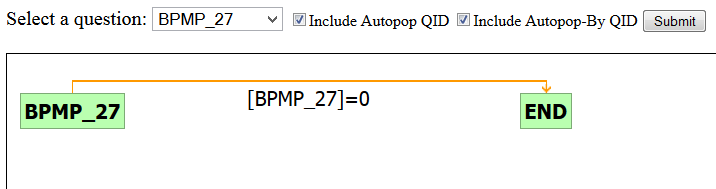
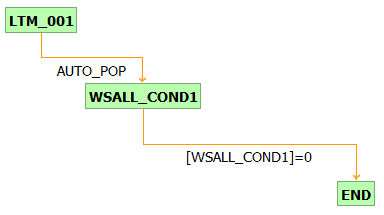
The flow chart will show you the question the jump is on (BPMP_27), the condition that must be met for the jump to occur ([BPMP_27]=0) and the target of the jump (END).
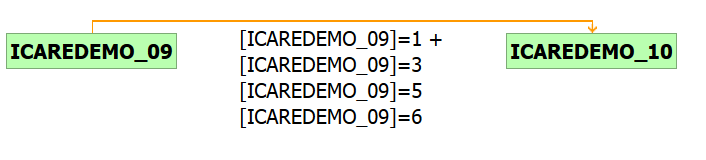
If a question has multiple jumps associated with it, a + will appear at the end of the jump formula.

Hover over the + sign to expand the condition list.
To display auto-populated fields that are associated with conditional jump logic, check the Include Autopop-By QID check box and click Submit. Auto-populated fields are marked as AUTO_POP. In this example the LTM_001 answer is populated into WSALL_COND1 which has jump logic. Remember to toggle on the Autopop Question ID boxes before clicking Submit.
Comments