Jumps can be exported and re-import into the same instrument with this tool. The goal is to help testing conditional jumping in COINS Training and apply the jumps in production more quickly, with less errors. Additionally, for instruments that will need a lot of jumps created, they can quickly be made from the template and imported.
This tool can be accessed from inside edit view of an instrument.
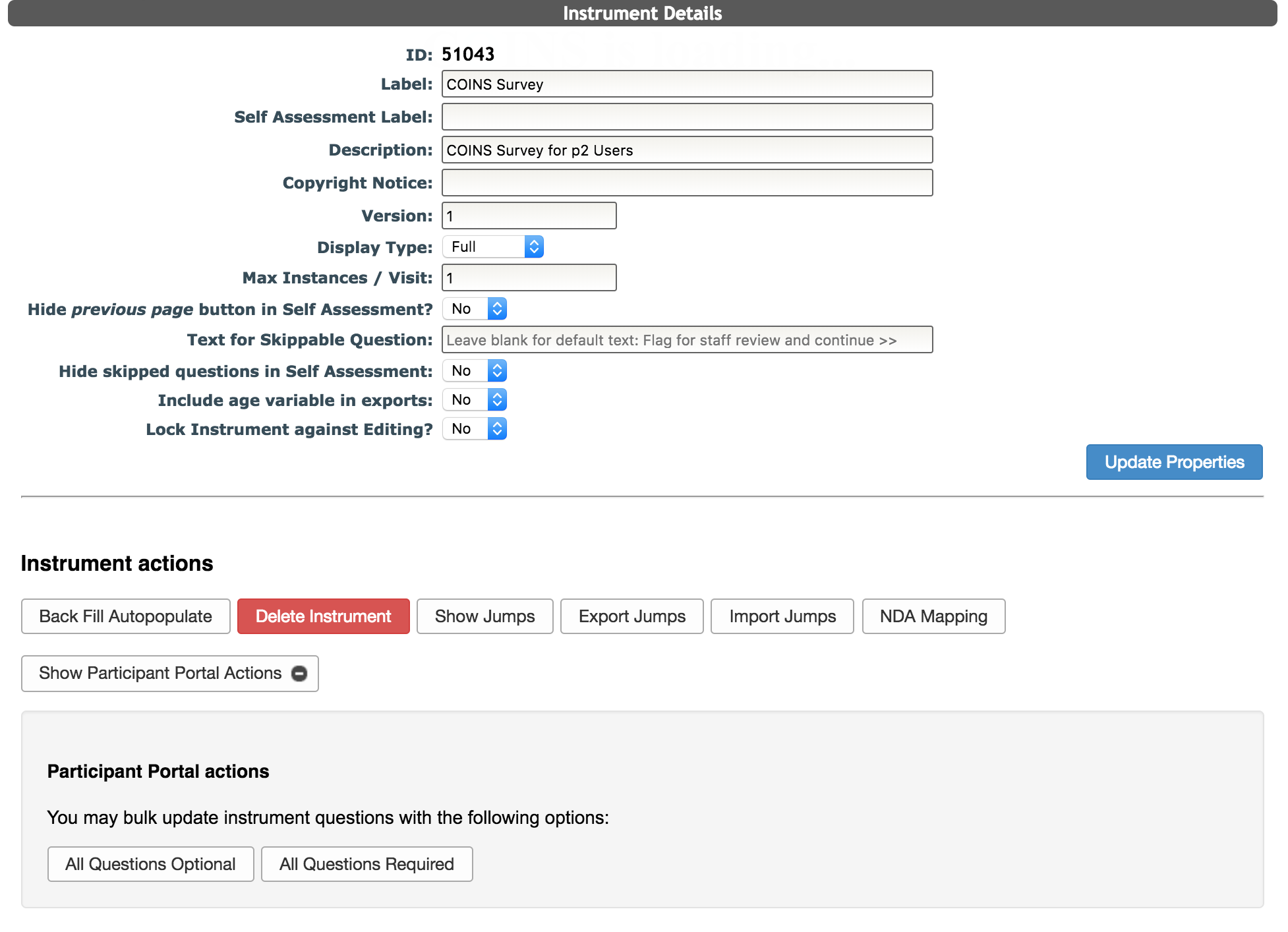
Exporting Jumps
To export jumps, click Export Jumps. A csv will be exported with the question ID, the formula for the jump and the target question ID (the question you want to jump to.
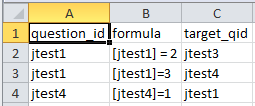
Importing Jumps
To import jumps from a csv, click Import Jumps and use the popup to browse for the jump data you want to import. Note: This tool only works with the csv file format.
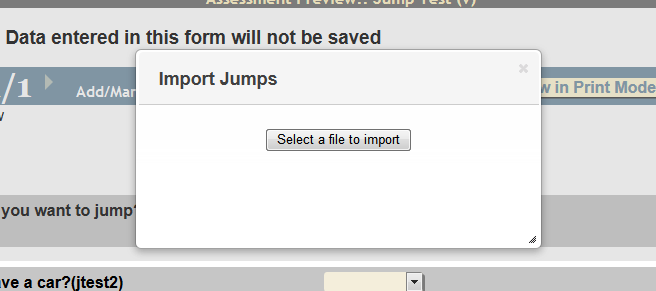
Select the file you want to import. A popup will appear with the jumps that are going to be imported.
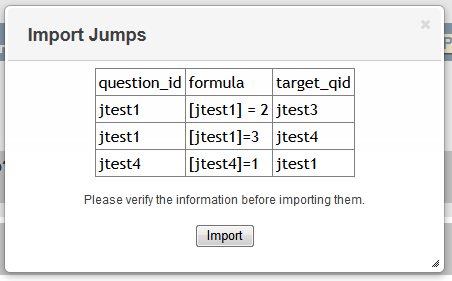
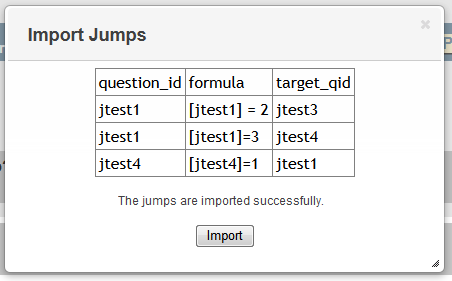
Verify the information for the jumps and click Import to import them. Click the X in the popup if you want to cancel. If your import was a success, you will be prompted and the imported jumps will be listed.
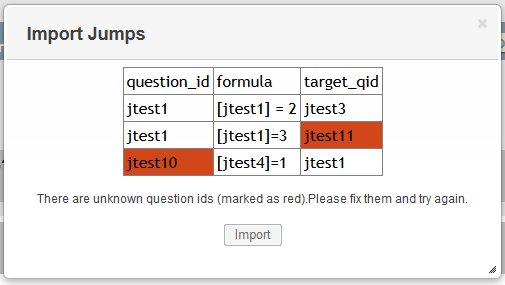
If there is an error importing because the question IDs do not exist, the IDs will be highlighted in red and you will be prompted that there was an error.
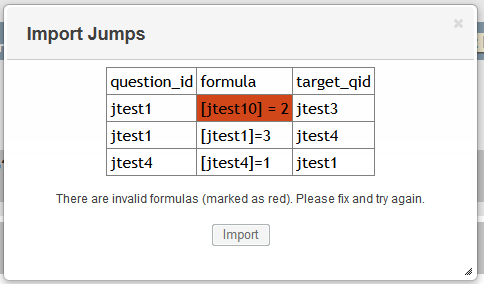
Formulas are verified after the import button is selected. If there is an error with your formula, you will be prompted.
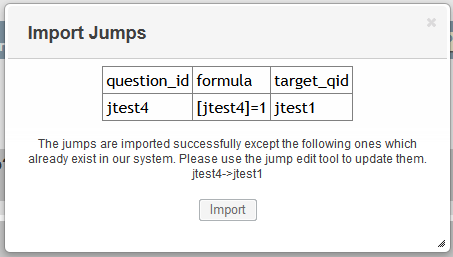
If a jump in the import already exists, you will also be notified.
Comments