Coordinator level access to a study allows a user to edit the study description on the Study Information page as well as upload study documents to the Data Exchange for download. Non-coordinator level users (or those with less access) will only be able to see the description. They will not be able to add files or edit the study description text. To view/edit the study information page in Data Exchange click Study Information from the Data Exchange menu.
Here the current description for the study and any study documents that have been uploaded will be displayed. Select a study to view from the drop down list.
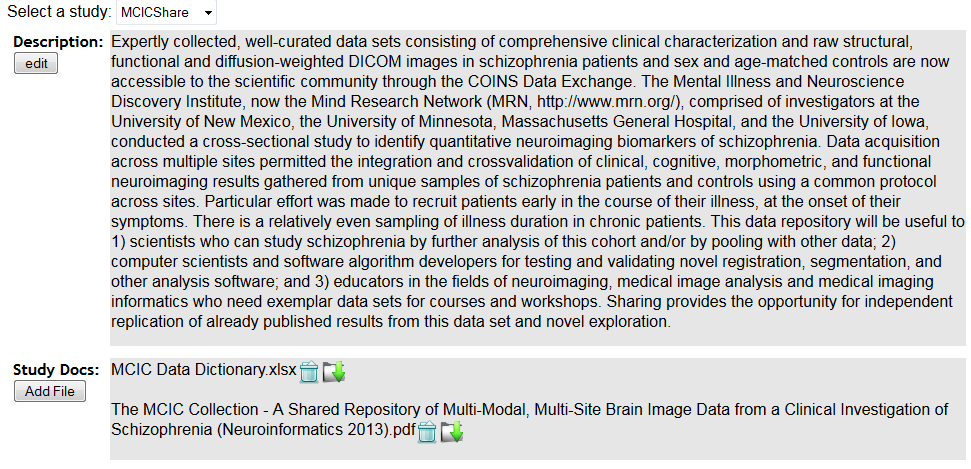
Click Edit to add or edit a study's description. This is used to help data requesters learn more about your data set and to decided if it fits their research needs.
To add a study document, such as a PDF or Excel file, click Add File. These files can be downloaded by users from the Data Requests and Downloads page. To delete an already existing study document, click the trash icon. Click the file icon to download any previously uploaded documents. These documents will be available for the requesters of your data to download. It's a great way to provided any variable definitions or other important information.
Comments