The Register Reserved Subjects tool is used when subjects cannot be enrolled in MICIS before data is entered for them (i.e., in oCOINS).

A request should be submitted to the COINS team, including the name of the PI who the URSIs will be enrolled under, if you are in need of reserved URSIs.
When you are ready to register an URSI select the PI and then click Apply. You will see a list of the reserved URSIs, the date that they were reserved and the PI for the study which the URSI can be enrolled under.
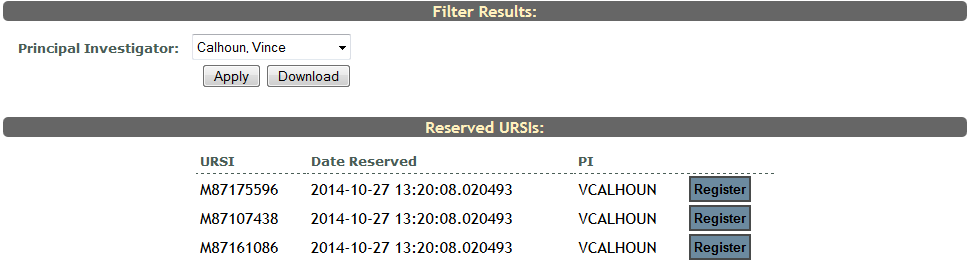
Find the URSI you want to register and click Register. You will then be directed to the subject details page. Enter the subject’s details and click Continue. Click here for more information about entering Subject Details. The subject you entered now has the reserved URSI that you selected from the reserved URSI list.
Click Download to download a csv of available reserved URSIs.
Comments