The Analysis Report is a report available in the study portals. Before using this report you will need to be sure your study analysis folder is set up properly. To access the report select your study portal from My Apps on the Meta‐Portal page, then select Analysis Report on the left hand menu on your portal page.
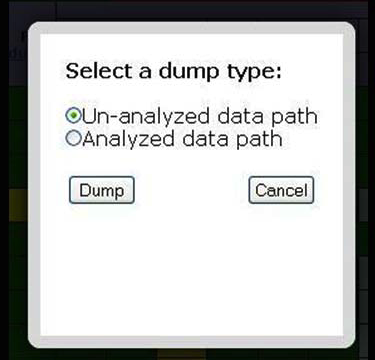
You will have the ability to monitor the auto‐analysis process. Through the color coded progress report you will be able to distinguish what scans/tasks have been analyzed. You can also easily dump the archive paths of those analyzed/un‐analyzed data.
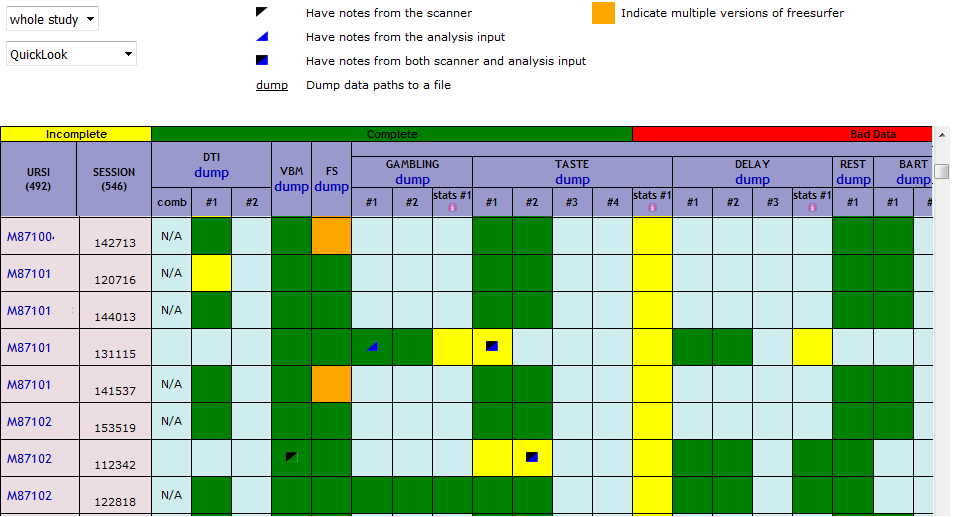
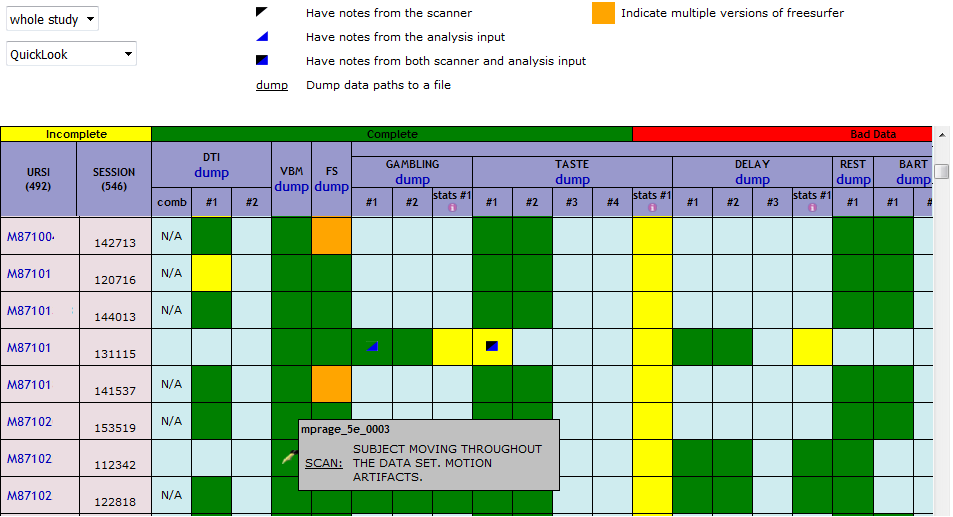
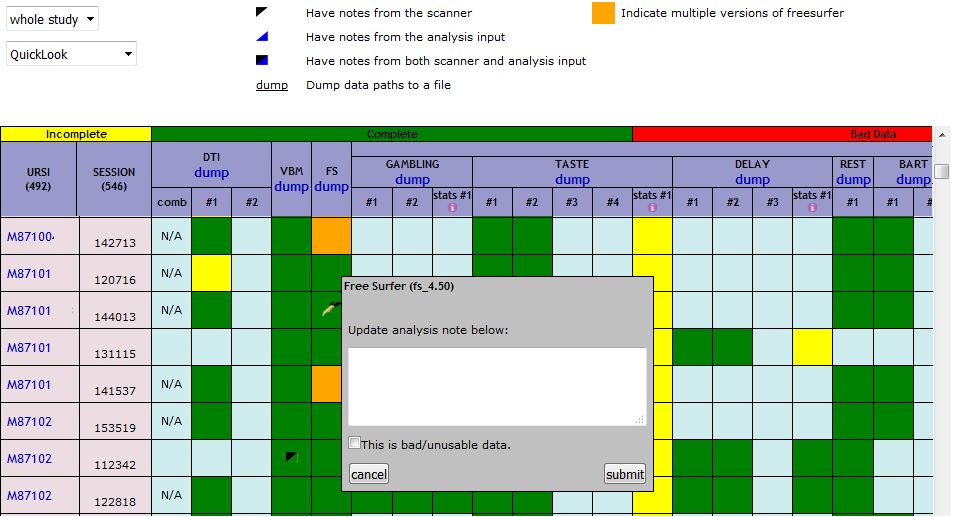
For a specific series, you can read the scanner notes that were left during the scan and can also leave a notes of their own.
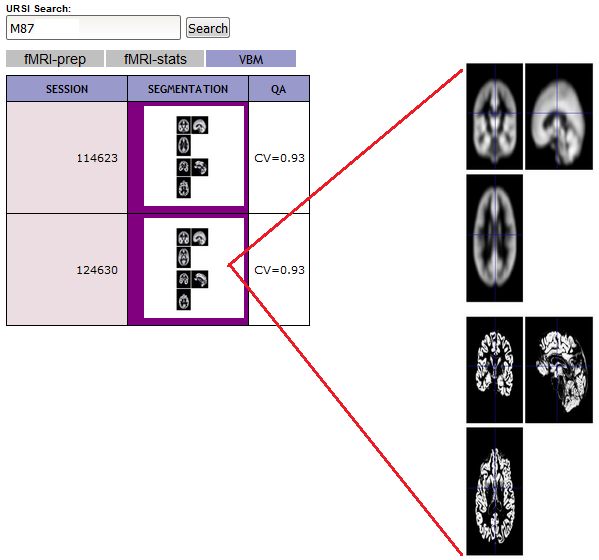
You can easily view the analyzed image data (including fmripreprocessing/stats and vbm) for a specific subject. Hover over images to enlarge.
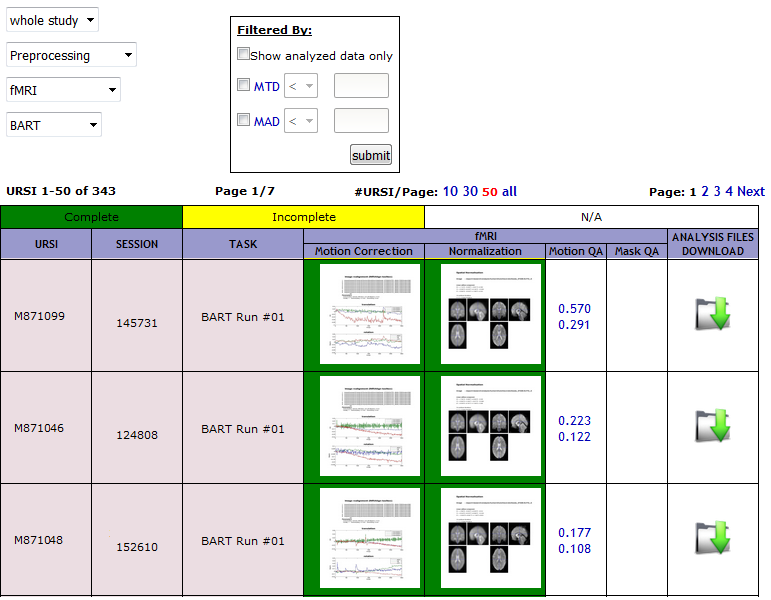
You can download the analysis file by series.
Comments