The Diagnostic and Statistical Manual (DSM) is a pivotal part of research and because of this Assessment Manager includes a DSM Question Type to collect diagnostic information. When selected, it creates three sub-questions (Description, Code, Specifier) which are populated by selecting the Axis, Group, Description, Code and Specifier from drop-down menus. To add a DSM question select it from the Question Type menu and then click Add.
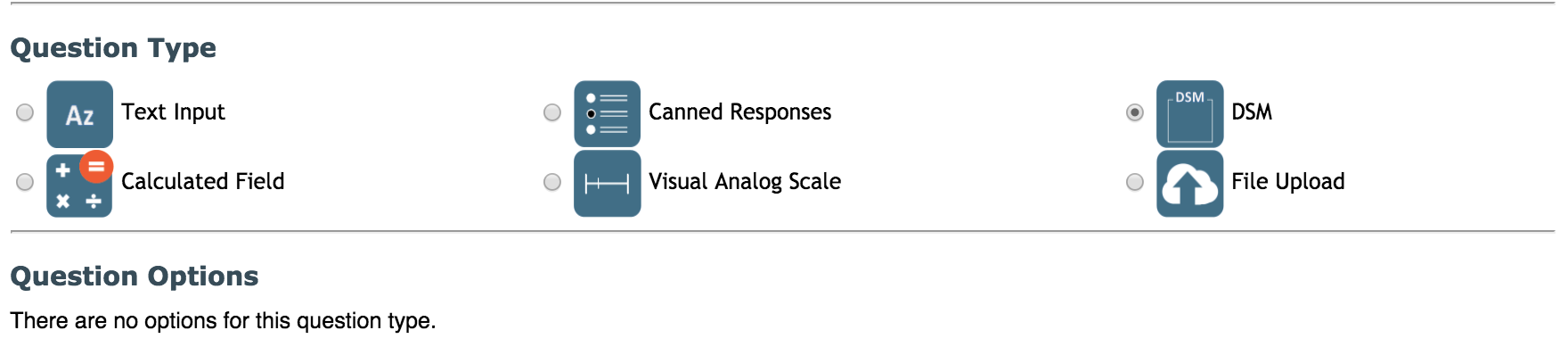
You do not need to input any information in Question Response Values. A DSM question results in a question that consists of five boxes whose options populate in a descending fashion. The first drop down box is the Axis box. The chosen axis will determine which options appear in the next box, Group. The Group chosen will determine the Description, which will determine the Code and then the Code will populate Specifier options. The result will be a pre-formatted question containing all of the DSM disorders and criteria.

Note: This question type is only visible in Data Entry.
Comments