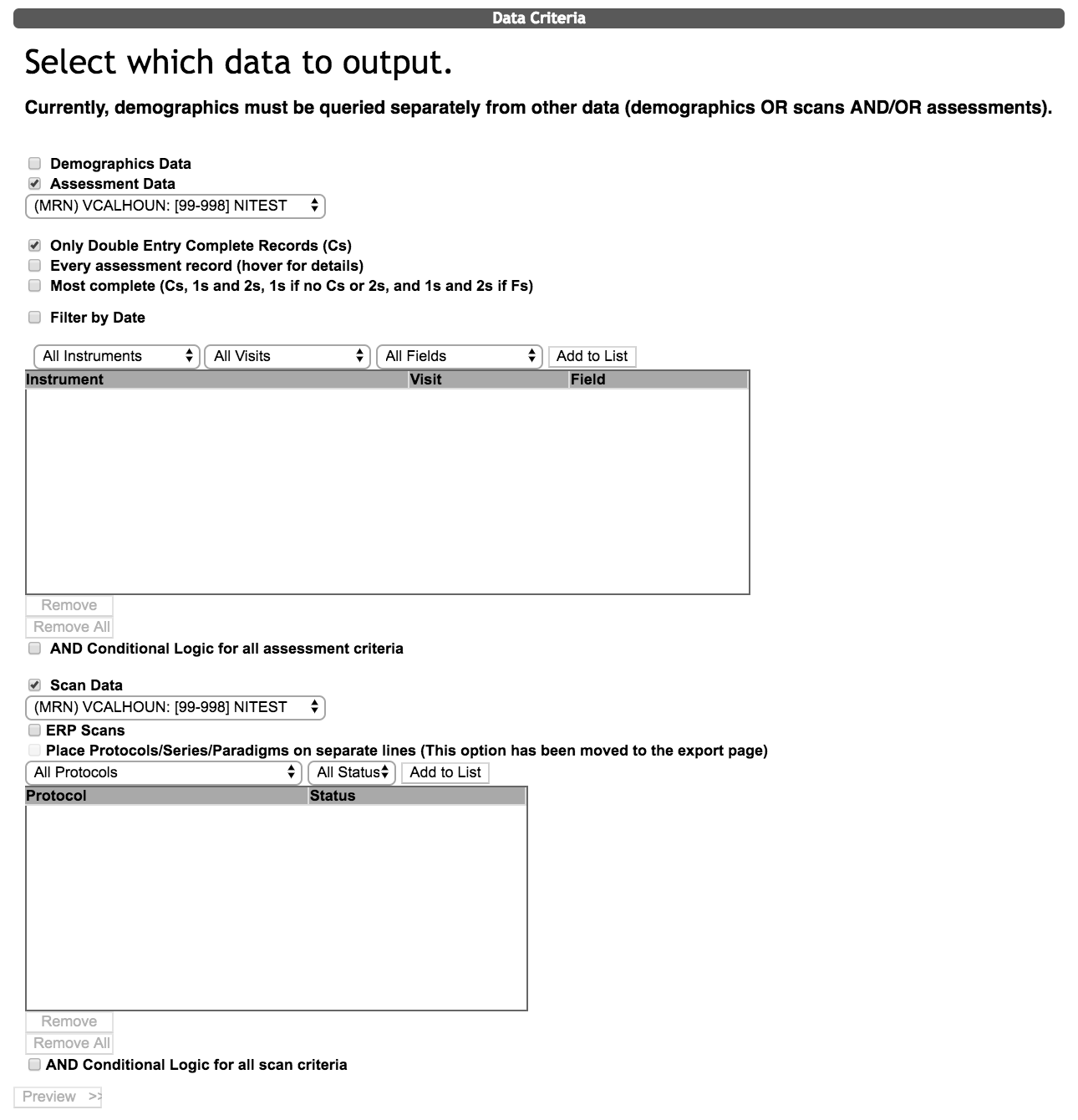
You have the option to query the scan series and assessments at the same time. Check the box next to Assessment Data and Scan Data, choose the assessment criteria and the scan criteria and click Preview.
You will notice the export page has all of the assessment export options but the orientation can only be Cross Collapse by URSI. This means that there is one URSI per row (including the assessment data and scan data).
Note: It is important to note that the Export only URSIs with data box should not selected in order to be sure that all data for the same URSI remains on the same line.
Comments